
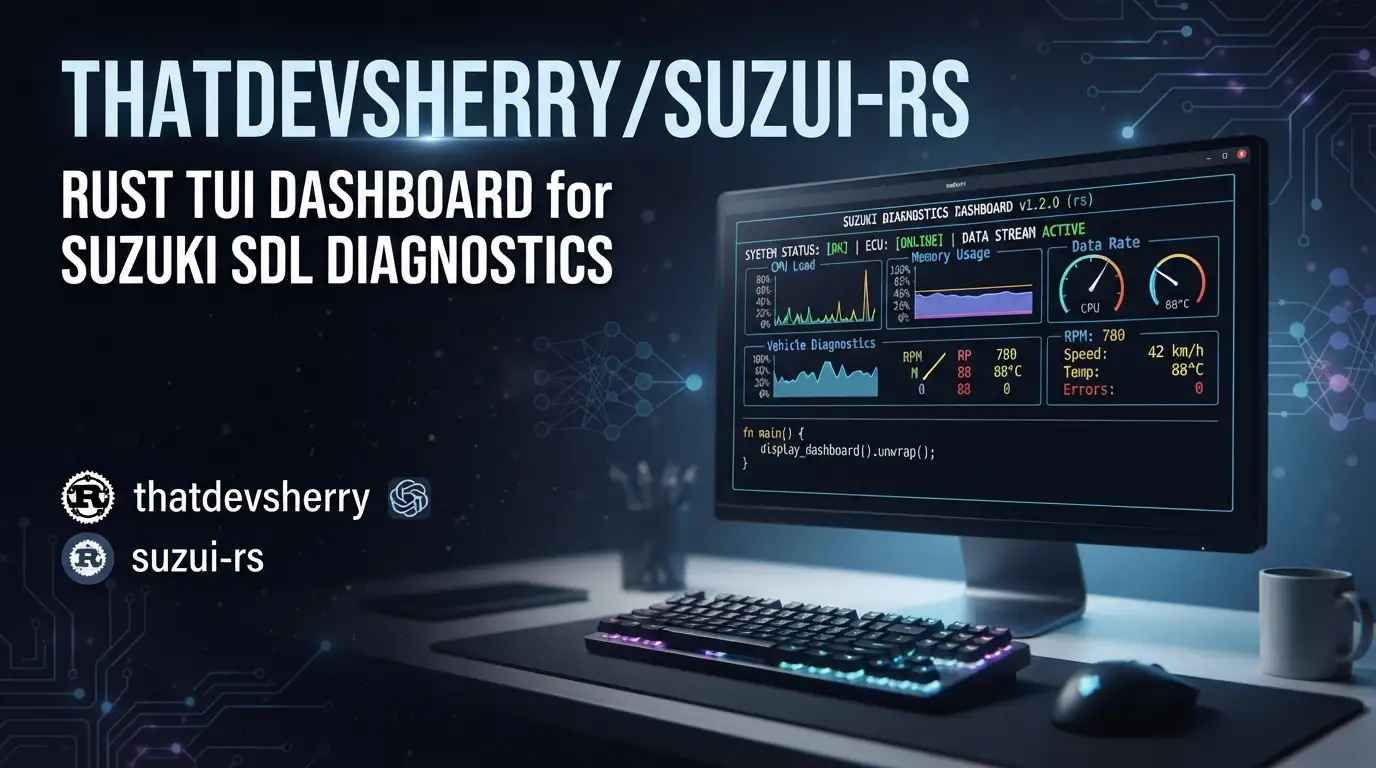
thatdevsherry/suzui-rs: Rust TUI Dashboard for Suzuki SDL Diagnostics
Custom digital dashboard for Suzuki Baleno
If you've ever wanted real-time engine diagnostics without lugging a laptop to your car, thatdevsherry/suzui-rs offers a compelling path forward. This Rust-based terminal UI reads Suzuki Serial Data Line (SDL) output directly from the ECU, turning a Raspberry Pi and composite video input into a permanent in-car dashboard. Built specifically for the Suzuki Baleno (G13BB engine), it demonstrates how modern terminal interfaces can solve embedded hardware problems without diving into no_std development. The project has attracted 106 GitHub stars and remains actively maintained, with the last commit dated 2025-11-01.
What is thatdevsherry/suzui-rs?
thatdevsherry/suzui-rs is an oxidized rewrite of an original Python↗ Bright Coding Blog prototype for reading Suzuki SDL protocol data. Maintainer Shehriyar Qureshi developed it to solve a specific hardware constraint: viewing live engine parameters in a Suzuki Baleno without maintaining a laptop connection. The project sits at an interesting intersection of automotive diagnostics, embedded Linux, and terminal user interfaces.
The tool leverages ratatui, a Rust library for building rich terminal applications, to render real-time gauges and metrics. Rather than pursuing traditional embedded development with ESP32 or similar microcontrollers, the author chose a pragmatic route: a Raspberry Pi running standard Linux, outputting composite video to the car's stock stereo head unit via CVBS input. This architectural decision—trading power efficiency for development velocity—makes the project unusually accessible to developers comfortable with Linux and Rust but not with soldering or bare-metal programming.
The repository carries an MIT License and is primarily Rust code. With only 3 forks, it remains a focused personal project rather than a broad community effort, though its technical approach has drawn interest from developers facing similar embedded-adjacent challenges.
Key Features
The dashboard exposes 22 live parameters organized into logical groupings, with calculations performed on the host to derive metrics the ECU doesn't directly provide:
Engine & Ignition: Engine speed (RPM), desired idle (RPM), ignition advance (BTDC), and injector pulse width for cylinder 1 (ms). The ISC flow duty percentage indicates idle air control valve opening.
Temperatures: Intake air temperature (IAT) and engine coolant temperature (ECT), both in Celsius.
Throttle & Load: Absolute throttle position (0-100% of input voltage range), calculated throttle butterfly valve angle (degrees), manifold absolute pressure (MAP) in kPa, barometric pressure (BARO) captured at first crank, and calculated engine load percentage.
Vehicle & Electrical: Battery voltage, vehicle speed (VSS) in km/h, and boolean states for electric load (EL), AC switch, power steering pump (PSP), radiator fan (RAD), and fuel cut status (deceleration fuel cut-off calculated from injector pulse width).
Fuel Economy: The tool calculates instantaneous fuel use (L/hr), total fuel used (L), cumulative fuel used while moving (L), cumulative distance (km), instantaneous fuel consumption (L/100km), and long-term fuel consumption excluding idle time (L/100km). Trip data resets via a physical gesture: toggling electric load 5 times within 10 seconds.
Notably, the author explicitly rejected TPS voltage display after discovering the formula assumes fixed 5V reference—any deviation produces inaccurate readings. The absolute throttle position parameter handles variable reference voltage correctly, demonstrating engineering rigor over feature count.
Use Cases
Permanent In-Car Monitoring: The primary use case—replacing or supplementing dashboard gauges with precise digital readouts. The Raspberry Pi boots automatically with ignition, rendering live data within seconds (though the author notes immobilizer interactions requiring careful power sequencing).
Fuel Economy Analysis: The calculated fuel consumption metrics enable A/B testing of driving habits. Compare instantaneous consumption during different acceleration patterns, or measure AC load impact via the boolean indicator and L/hr readout.
Diagnostic Troubleshooting: Real-time parameter observation helps identify intermittent issues. Watch ISC flow duty during idle instability, or monitor ignition advance for knock-related retardation. The planned DTC integration would extend this to fault code display.
Embedded Development Shortcut: For developers needing car-integrated displays without hardware expertise, this architecture—Linux SBC + composite video + existing cables—provides a faster path than custom PCB design. The VAG KKL cable (common OBD-II serial adapter) requires no vehicle modification.
Ratatui Reference Implementation: The project demonstrates non-trivial terminal UI patterns: live gauge rendering, multi-column layouts, color-coded thresholds, and simulation mode for development without hardware attached.
Installation & Setup
The build process differs between development and target deployment:
Desktop Development (with simulation):
cargo run -- --simulate
This runs the TUI with simulated data, enabling interface development without the Suzuki ECU connected. The --simulate flag generates synthetic parameter values for testing layout and calculation logic.
Raspberry Pi Cross-Compilation:
cross build --release --target=aarch64-unknown-linux-gnu
The resulting binary appears at target/aarch64-unknown-linux-gnu/release/. The author uses cross for painless cross-compilation, avoiding toolchain configuration on the Pi itself.
Physical Installation (from README description):
The author's working setup involves: Raspberry Pi taped to the ECU enclosure, VAG KKL cable from Pi USB to vehicle OBD port, power via stereo USB port (with undervoltage warnings), Ethernet for SSH access, and 3.5mm-to-RCA cable with red/white connector wired to stereo CVBS input. The composite video workaround—using audio channels for video signal—reflects real-world adapter limitations.
Critical Boot Sequence: The Pi must complete boot before engine start; otherwise, power draw triggers immobilizer shutdown requiring key cycle (IGN-ACC-IGN) to restart. This quirk effectively creates an additional anti-theft layer.
Real Code Examples
The README provides two explicit build commands. These represent the complete documented interface—no additional configuration files or runtime flags are specified.
Development simulation:
# Desktop
cargo run -- --simulate
Run this from the repository root. Cargo compiles dependencies including ratatui and serial communication crates, then launches the TUI with synthetic data. The double-dash separates cargo arguments from binary arguments, passing --simulate to suzui-rs itself.
Production cross-build:
# Pi
cross build --release --target=aarch64-unknown-linux-gnu
This invokes Cross's Docker↗ Bright Coding Blog-based toolchain for aarch64 Linux GNU targets. The --release flag enables optimizations suitable for permanent deployment. Transfer the resulting binary via scp as the author describes for iterative updates.
The README contains no additional code examples—the project is a standalone binary rather than a library, so there are no API demonstrations or integration snippets. This reflects its current scope as an end-user application.
Advanced Usage & Best Practices
SSH-First Updates: The author's Ethernet-for-SSH approach enables remote iteration without removing the Pi. Consider WiFi alternatives for cleaner cabling, though Ethernet's reliability may outweigh convenience in automotive vibration environments.
Power Supply Hardening: The documented undervoltage warnings suggest the stereo USB port provides marginal 5V. A dedicated buck converter from 12V accessory power would eliminate this, though it requires basic wiring. [INTERNAL_LINK: raspberry-pi-automotive-power]
Simulation-Driven UI Changes: The --simulate mode enables safe interface iteration. Test gauge color thresholds, layout adjustments, and new parameter displays without risking ECU communication timeouts or vehicle operation.
Future DTC Integration: The author's detailed planning for diagnostic trouble codes—current codes inline with relevant gauges, history codes with timed boot popup—suggests contribution opportunities. The EL-toggle gesture recognition (5 changes in 5 seconds) demonstrates creative physical input without added hardware.
Data Logging Extension: The cumulative metrics structure supports export. Consider piping serial output or modifying the source to write CSV for later analysis in tools like [INTERNAL_LINK: data-analysis-python-rust].
Comparison with Alternatives
| Tool | Approach | Hardware | Key Difference |
|---|---|---|---|
| thatdevsherry/suzui-rs | Rust TUI on Linux SBC | Raspberry Pi + CVBS | Full terminal UI, custom calculations, permanent install |
| OBD-II scanners (generic) | Dedicated firmware | Self-contained | Plug-and-play but limited display, no customization |
| Megasquirt TunerStudio | Windows/macOS/Linux GUI | Laptop required | Full ECU tuning, not Suzuki SDL-specific, not permanent |
| Custom ESP32 dashboards | Bare-metal/no_std |
Custom PCB + display | Lower power, smaller size, requires hardware expertise |
The suzui-rs approach trades power efficiency and compactness for development velocity and interface richness. Developers without electronics manufacturing capability can replicate this in a weekend; ESP32 alternatives require weeks of hardware iteration. Generic OBD scanners lack Suzuki SDL protocol support and calculated metrics like fuel consumption. TunerStudio supports broader tuning but demands laptop presence.
FAQ
What Suzuki models does this support?
Explicitly built for Suzuki Baleno with G13BB engine. Other SDL-based ECUs may work with protocol adjustments.
Can I run this without a Raspberry Pi?
The --simulate flag works on any desktop. Real ECU connection requires serial port access; the VAG KKL cable uses USB-to-serial.
Is ratatui required knowledge?
Not for usage. To modify the interface, familiarity with ratatui's buffer and widget system helps.
What's the license?
MIT License. Free to modify, distribute, or incorporate into larger projects with attribution.
How accurate are fuel calculations?
Derived from injector pulse width and approximated; author notes "accurate approx. based on avail. data." Not a replacement for flow-meter testing.
Why not use the OBD-II standard?
Suzuki SDL is a manufacturer-specific protocol predating or parallel to standard OBD-II on these vehicles. The VAG KKL cable speaks SDL, not generic OBD.
Is the immobilizer interaction dangerous?
It's a documented quirk requiring specific boot timing, not a safety risk. The author treats it as an accidental anti-theft feature.
Conclusion
thatdevsherry/suzui-rs solves a narrow problem with broad technique: it shows how Rust's terminal ecosystem can replace traditional embedded development when timeline and skill constraints apply. For Suzuki Baleno owners with G13BB engines, it offers immediate value—22 live parameters, calculated fuel economy, and a permanent dashboard without laptop tethering. For developers, it's a reference for ratatui in physical-world applications, cross-compilation workflows, and pragmatic system architecture.
The project suits Rust developers seeking hardware-adjacent projects, automotive enthusiasts comfortable with Linux, and anyone who's faced the no_std motivation barrier. It doesn't claim universal applicability or benchmark dominance; it documents one working solution with unusual honesty about trade-offs and quirks.
Explore the implementation, fork for your vehicle protocol, or contribute the planned DTC features at https://github.com/thatdevsherry/suzui-rs.