
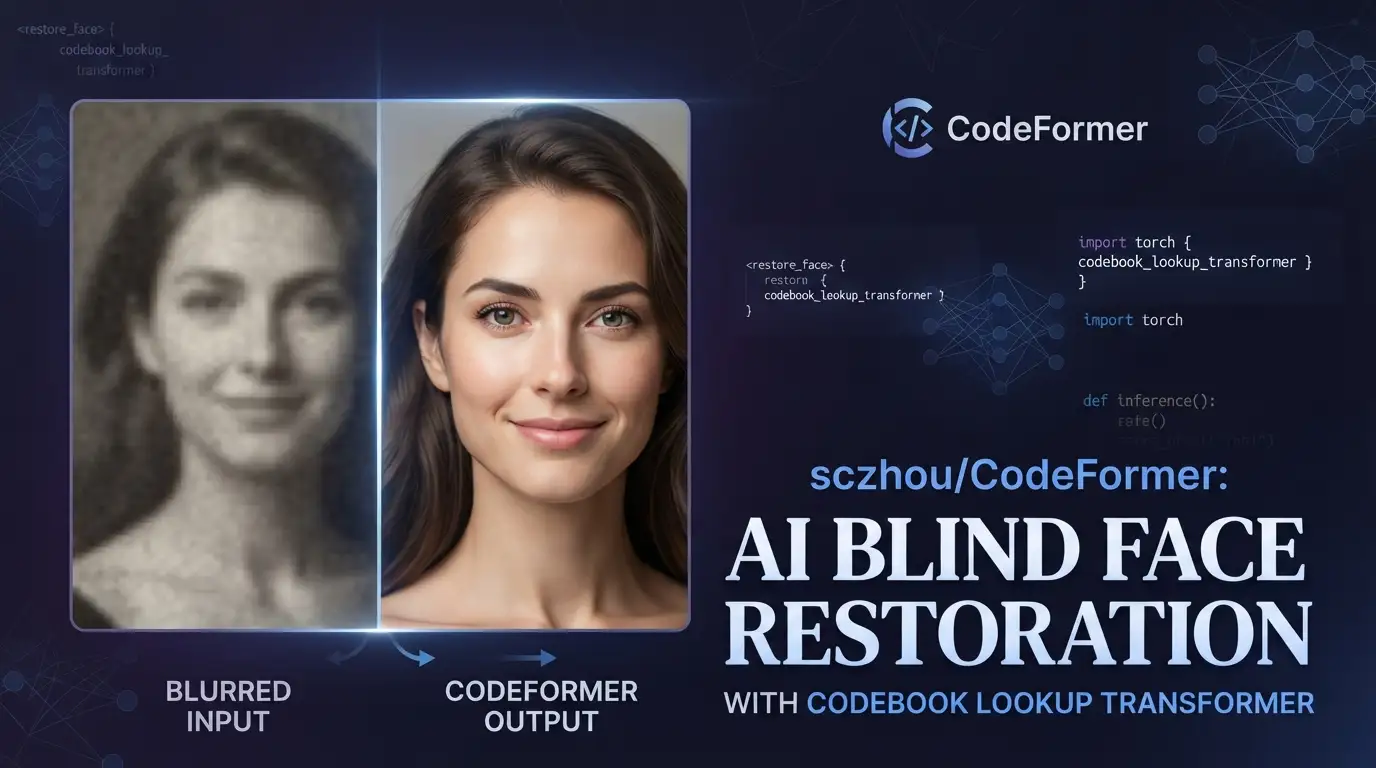
Blind face restoration remains one of the most stubborn problems in computer vision: how do you recover high-quality facial details from low-quality, degraded, or compressed images when you don't know the exact degradation model? For developers building photo enhancement pipelines, video restoration tools, or creative AI applications, this gap between theory and practical deployment is where projects live or die. sczhou/CodeFormer offers a concrete, research-backed approach to this problem, combining a learned discrete codebook with transformer architecture to reconstruct realistic faces without explicit degradation assumptions. With 18,044 stars and active maintenance through 2025, it has become a reference implementation that bridges academic research and production deployment.
What is sczhou/CodeFormer?
sczhou/CodeFormer is an open-source implementation of "Towards Robust Blind Face Restoration with Codebook Lookup Transformer," published at NeurIPS 2022 by researchers at S-Lab, Nanyang Technological University. The project is maintained by Shangchen Zhou with co-authors Kelvin C.K. Chan, Chongyi Li, and Chen Change Loy.
At its core, CodeFormer addresses a fundamental limitation in traditional face restoration: most methods assume known degradation models (Gaussian blur, JPEG compression, etc.) or fail to produce photorealistic results when the degradation is complex and unknown—hence "blind" restoration. The technical innovation is a codebook lookup transformer that first learns a compact, discrete representation space of high-quality facial features, then uses a transformer to select and combine these codebook entries based on the degraded input. This design decouples the problem of learning facial priors from the problem of mapping degraded inputs to clean outputs, which the authors argue leads to more robust generalization across diverse real-world degradations.
The repository is written in Python↗ Bright Coding Blog, built on PyTorch >= 1.7.1, and extends the BasicSR framework. It carries an NTU S-Lab License 1.0, which permits redistribution under specific terms but is not a standard OSI-approved license—something commercial users should review carefully. The project has accumulated 3,709 forks, indicating substantial community adoption and modification.
Key Features
Multi-modal face processing beyond restoration. While the primary focus is blind face restoration, the codebase includes pretrained models and inference scripts for face colorization and face inpainting on cropped and aligned faces. These aren't afterthoughts—they share the same architectural backbone and can be invoked with dedicated scripts.
Whole-image and video pipeline support. CodeFormer doesn't stop at face crops. The inference_codeformer.py script handles full images with automatic face detection, background preservation via optional Real-ESRGAN upsampling, and video input processing for .mp4, .mov, and .avi files. This makes it deployable in end-to-end enhancement workflows rather than requiring manual face extraction.
Controllable fidelity-quality tradeoff. The fidelity weight parameter w in [0, 1] gives operators direct control: lower values prioritize perceptual quality (smoother skin, fewer artifacts), higher values preserve identity-specific details. This is documented explicitly for fair academic comparison—whole-image inference with background fusion can alter hair textures at boundaries, so the authors request cropped-face evaluation with --has_aligned for paper benchmarks.
Multiple face detector backends. The default detector can be supplemented with dlib for more accurate identity preservation, installed via conda-forge. This matters for applications where face localization errors compound into restoration artifacts.
Broad third-party integration ecosystem. The authors maintain official demos on Hugging Face Spaces, Replicate, and OpenXLab, while noting over 20 third-party deployments including Stable Diffusion WebUI, ComfyUI, ChaiNNer, and various API services. The README explicitly warns that only the three official platforms are maintained by the authors—everything else is unaffiliated and potentially risky.
Use Cases
Archival photo and video restoration. The most direct application: digitized old photographs, degraded film scans, or heavily compressed video where facial details have been lost. The colorization mode specifically targets faded or black-and-white portraits, while video support enables batch processing of home movies or documentary footage.
AI-generated image refinement. The README explicitly references "Fixing AI-arts" alongside old photo enhancement. Diffusion models and GANs often produce anatomically inconsistent faces; CodeFormer can be applied as a post-processing step to ground facial features in realistic priors without retraining the generative model.
Identity-preserving compression recovery. In video conferencing, streaming, or mobile capture, aggressive compression destroys fine facial detail. The fidelity-weighted restoration allows tuning for recognizability versus naturalness depending on downstream use—security applications may need higher w, social media↗ Bright Coding Blog sharing may prefer lower.
Inpainting for creative editing. The dedicated inpainting script accepts user-masked regions (white brush in Photoshop, per the docs) and fills them with codebook-consistent facial features. This enables controlled editing workflows where specific facial regions need reconstruction while preserving the subject's identity.
Integration in larger creative pipelines. Stable Diffusion WebUI and ComfyUI integrations mean CodeFormer operates as a node in complex generative workflows, not just a standalone tool. Developers building custom UIs can adopt the same pattern.
Installation & Setup
The README provides explicit installation commands. Reproduced here with step-by-step context:
# Clone the repository
git clone https://github.com/sczhou/CodeFormer
cd CodeFormer

# Create isolated conda environment
conda create -n codeformer python=3.8 -y
conda activate codeformer

# Install Python dependencies
pip3 install -r requirements.txt
python basicsr/setup.py develop

# Optional: dlib for alternative face detector
conda install -c conda-forge dlib
System requirements: PyTorch >= 1.7.1 and CUDA >= 10.1. The basicsr/setup.py develop command installs the BasicSR framework in development mode, meaning changes to that codebase reflect immediately without reinstallation—useful for researchers modifying the architecture.
Model downloads: Pretrained weights are hosted on GitHub Releases, Google Drive, and OneDrive. The convenience script automates this:
# Download face detection and alignment models
python scripts/download_pretrained_models.py facelib

# Optional: dlib-specific weights
python scripts/download_pretrained_models.py dlib

# Download CodeFormer restoration weights
python scripts/download_pretrained_models.py CodeFormer
Weights organize into weights/facelib/ and weights/CodeFormer/ directories. Manual download is always available if the script fails or you need version pinning.
Real Code Examples
The README provides four distinct inference patterns. Each is reproduced below with operational context.
Cropped and aligned face restoration — the benchmark-recommended path:
# For 512x512 cropped faces; use --has_aligned for fair comparison
python inference_codeformer.py -w 0.5 --has_aligned --input_path [image folder]|[image path]
The -w 0.5 balances quality and fidelity. The --has_aligned flag bypasses the face detection and background fusion pipeline, operating directly on the centered face crop. This avoids boundary artifacts that would skew quantitative metrics in research settings.
Whole image enhancement — production deployment path:
# Full image with optional background upsampling and face upsampling
python inference_codeformer.py -w 0.7 --input_path [image folder]|[image path]
# With background enhancement:
# python inference_codeformer.py -w 0.7 --bg_upsampler realesrgan --input_path [path]
# With additional face upsampling:
# python inference_codeformer.py -w 0.7 --bg_upsampler realesrgan --face_upsample --input_path [path]
Here w defaults higher (0.7) because the full-image pipeline's face-background fusion can soften details; the increased fidelity weight compensates. The optional Real-ESRGAN integration for background upsampling (--bg_upsampler realesrgan) and face upsampling (--face_upsample) demonstrates the modular design—these aren't hard dependencies but composable enhancements.
Video enhancement:
# Requires ffmpeg installation
conda install -c conda-forge ffmpeg

# Video path must end with .mp4, .mov, or .avi
python inference_codeformer.py --bg_upsampler realesrgan --face_upsample -w 1.0 --input_path [video path]
The -w 1.0 maximum fidelity setting for video reflects the temporal consistency challenge: overly aggressive smoothing creates flickering artifacts across frames, so preserving identity features becomes critical.
Face colorization:
# For cropped and aligned faces only
python inference_colorization.py --input_path [image folder]|[image path]
Face inpainting:
# Inputs must be masked with white brush (see inputs/masked_faces for examples)
python inference_inpainting.py --input_path [image folder]|[image path]
Both colorization and inpainting operate exclusively on cropped faces, suggesting these modes are more experimental or research-oriented than the full-image restoration pipeline.
Advanced Usage & Best Practices
Face preparation matters. The scripts/crop_align_face.py utility standardizes input geometry. For batch processing, pre-cropping with dlib yields more consistent identity preservation than the default detector, especially for profile angles or partial occlusion.
Fidelity weight selection is task-dependent. The README's guidance—lower w for quality, higher for fidelity—should be treated as a starting point. Video workflows almost certainly need w >= 0.9 to prevent temporal inconsistency. Print or large-display applications may prefer w <= 0.5 for artifact suppression. There's no universal optimum; A/B testing on your specific degradation distribution is essential.
Background fusion has known limitations. The authors explicitly note that whole-image inference "may damage hair texture on the boundary." For applications where hair detail is critical (forensic analysis, high-end portrait retouching), consider processing faces in cropped mode and compositing manually, or accepting the fidelity tradeoff at w = 1.0.
License compliance for commercial deployment. The NTU S-Lab License 1.0 is not a permissive license like MIT or Apache-2.0. If you're building a commercial product or SaaS integration, legal review is advisable before redistribution or derivative works.
Third-party integration risks. The README's extensive warning list of non-official deployments is unusual and noteworthy. For production APIs, prefer the official Replicate or Hugging Face endpoints, or self-host from the verified repository. The PyPI packages (codeformer, codeformer-pip) are third-party and not author-maintained.
Comparison with Alternatives
| Tool | Approach | Key Difference | Trade-off |
|---|---|---|---|
| sczhou/CodeFormer | Codebook lookup transformer | Discrete prior + transformer selection | Strong identity preservation; requires face detection step |
| GFPGAN | Generative facial prior (GFP) | GAN-based prior, end-to-end | Faster inference; potentially less robust to extreme degradation |
| RestoreFormer | Transformer-based, no codebook | Continuous latent space | Simpler architecture; may hallucinate less consistently |
CodeFormer's explicit codebook design provides interpretability—the selected codes can be analyzed—which GFPGAN's implicit GAN prior does not. However, the two-stage codebook lookup may increase latency versus single-pass alternatives. RestoreFormer (not mentioned in the README, but a comparable NeurIPS 2022 contemporaneous work) eliminates the discrete bottleneck entirely, though at potential cost to output consistency. For researchers, CodeFormer's training code availability (added April 2023) enables full reproducibility and modification; GFPGAN has historically been more inference-focused.
FAQ
What Python version is required? Python 3.8, per the conda environment specification.
Can I use CPU-only inference? The README specifies CUDA >= 10.1; CPU fallback is not documented.
Is the license permissive for commercial use? The NTU S-Lab License 1.0 permits redistribution under its terms, but it is not OSI-approved. Review the full license text.
Why does whole-image output look different from cropped-face? Background fusion alters boundary regions; use --has_aligned for benchmark comparisons.
How do I handle video with multiple face sizes? The video pipeline processes all detected faces; --face_upsample applies Real-ESRGAN uniformly.
Are the Hugging Face and Replicate demos free? The README does not specify pricing; these are author-maintained but may have platform-imposed limits.
Can I train on my own dataset? Training code and configs were released April 2023; see docs/train.md.
Conclusion
sczhou/CodeFormer delivers a well-documented, research-grade solution to blind face restoration with practical deployment paths. Its 18,044-star traction and active maintenance through 2025 demonstrate sustained relevance, while the explicit fidelity-quality tradeoff and multi-modal extensions (colorization, inpainting) provide flexibility beyond the core paper contribution.
This tool fits best for: researchers reproducing or extending NeurIPS 2022 face restoration work; developers integrating face enhancement into creative pipelines (Stable Diffusion WebUI, ComfyUI); and engineers building archival media restoration systems where identity preservation is non-negotiable. The CUDA requirement and non-standard license are friction points for some deployments, but the architecture's robustness across unknown degradations justifies the setup cost for quality-critical applications.
Ready to evaluate it on your data? Clone the repository at https://github.com/sczhou/CodeFormer, run the pretrained models on your test images, and tune the fidelity weight to your specific quality requirements.
For related reading on generative image enhancement pipelines, see [INTERNAL_LINK: stable-diffusion-post-processing-guide].