guy-hartstein/company-research-agent: Multi-Agent Research with LangGraph
Developers building due diligence pipelines, competitive intelligence systems, or automated research workflows face a persistent challenge: stitching together search, synthesis, and formatting into something reliable enough to ship. Most solutions either oversimplify into single-shot prompts that hallucinate, or over-engineer into unmaintainable orchestration layers. guy-hartstein/company-research-agent takes a different approach—an explicit multi-agent pipeline built on LangGraph that assigns specialized roles to distinct models, with a live demo already running at companyresearcher.tavily.com.
This article breaks down how the repository works, what the architecture actually delivers, and how to run it yourself.
What is guy-hartstein/company-research-agent?
guy-hartstein/company-research-agent is an open-source research automation platform maintained by Guy Hartstein. As of July 2026, it has accumulated 2,004 GitHub stars and 292 forks, with Python↗ Bright Coding Blog as its primary language and an Apache License 2.0.
The tool sits at the intersection of three active technical categories: agentic AI systems (using LangGraph for stateful multi-agent orchestration), LLM application architecture (deliberately routing tasks to different models based on their strengths), and automated research infrastructure (integrating Tavily's search API for source retrieval). Its relevance comes from being a concrete, production-visible implementation of patterns many teams are currently prototyping—specialized agents, model routing, and async job processing—rather than a theoretical framework.
The repository includes a React↗ Bright Coding Blog frontend, FastAPI backend, and a documented agent pipeline with four research nodes and four processing nodes. The last commit was July 4, 2026, indicating active maintenance. Notably, the README is available in six languages (English, Chinese, French, Spanish, Japanese, and Korean), suggesting the project has attracted international contributors or users.
Key Features
Specialized Research Agents
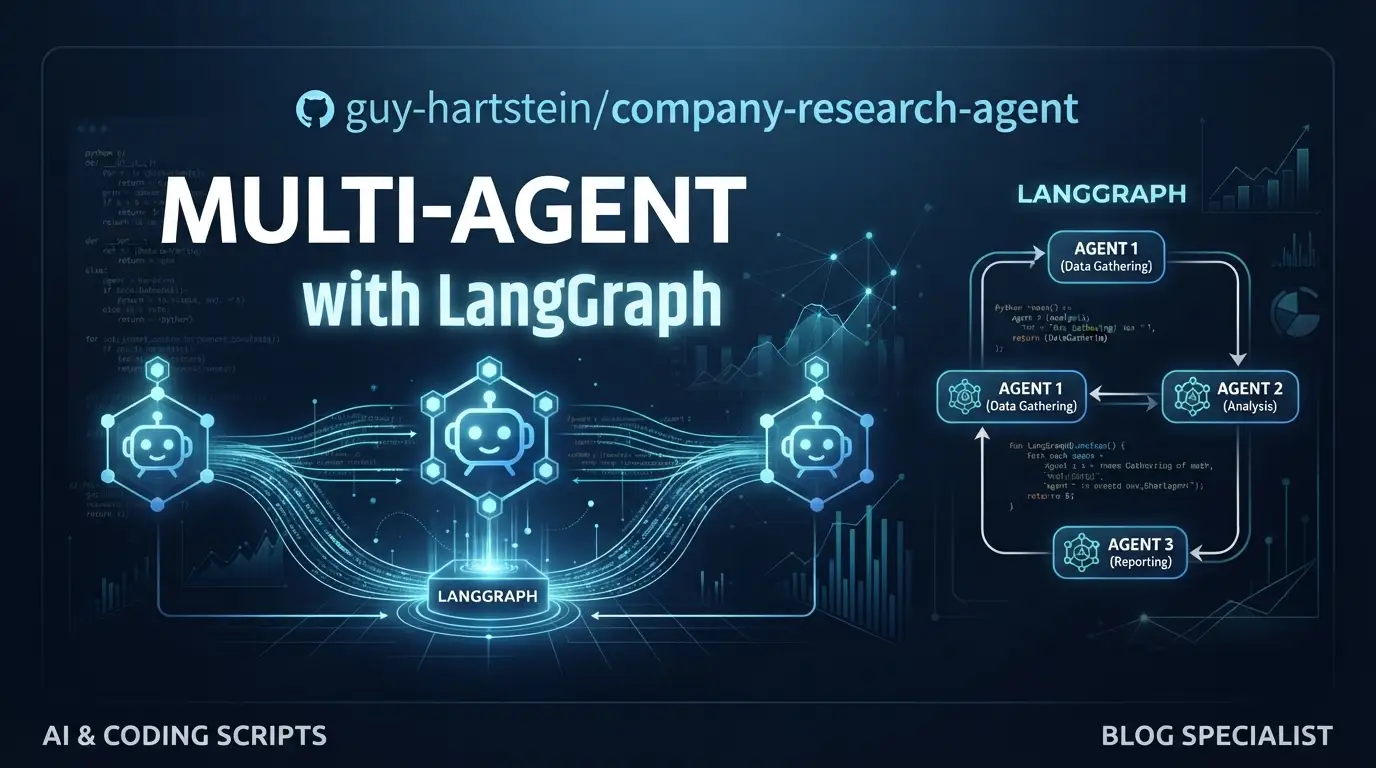
The pipeline decomposes research into four distinct agent roles: CompanyAnalyzer for core business information, IndustryAnalyzer for market position and trends, FinancialAnalyst for metrics and performance data, and NewsScanner for recent developments. This mirrors how human research teams actually work—separating domain expertise rather than expecting one model to handle everything.
Dual-Model Architecture Rather than defaulting to a single LLM, the system routes tasks based on demonstrated capabilities:
- Gemini 2.5 Flash (
briefing.py) handles high-context synthesis—processing large document volumes and maintaining coherence across multiple sources - GPT-5.1 (
editor.py) handles formatting, deduplication, markdown↗ Smart Converter structure, and real-time report streaming
This isn't model agnosticism for its own sake; it's explicit capability matching. Gemini's context window advantages are leveraged where they matter, while GPT-5.1's instruction-following precision is used where structure matters.
Tavily-Powered Content Curation
The curator.py module implements relevance scoring with a configurable threshold (default 0.4). Documents are scored by Tavily's search API, deduplicated, normalized, and sorted before entering the synthesis pipeline. This addresses a real failure mode in research automation: noisy source ingestion leading to degraded outputs.
Async Polling Architecture
The FastAPI backend runs research jobs in background workers. The React frontend submits requests, receives a job_id, and polls /research/{job_id}/report until completion. This is a pragmatic choice for long-running research tasks rather than holding WebSocket connections or over-engineering with SSE.
Deployment Flexibility
The repository includes Docker↗ Bright Coding Blog Compose configuration, setup scripts with uv detection, and documented paths for AWS↗ Bright Coding Blog Elastic Beanstalk, Heroku, and Google Cloud Run.
Use Cases
Venture Due Diligence Automation VC analysts and corporate development teams can automate baseline company research before deep dives. The multi-agent structure naturally maps to standard due diligence workstreams: business model, competitive landscape, financial health, and recent news. The output is a structured markdown report with source grounding through Tavily's search results.
Sales Intelligence at Scale
Enterprise sales teams researching prospects before calls can batch-generate company briefings. The async architecture supports queueing multiple research jobs, and the PDF generation endpoint (POST /generate-pdf) produces shareable artifacts.
Competitive Monitoring
The modular node structure makes it feasible to extend the pipeline with scheduled triggers. A team could run IndustryAnalyzer and NewsScanner nodes on competitor lists weekly, storing results in the optional MongoDB persistence layer.
Research Prototyping for AI Teams Teams evaluating LangGraph for their own agent systems can use this as a reference implementation. The explicit node definitions in the README, the state passing between research and processing phases, and the model routing logic are all directly inspectable.
Installation & Setup
The repository provides three setup paths: automated script, manual, and Docker.
Quick Setup (Recommended)
The setup script auto-detects uv for faster dependency resolution:
git clone https://github.com/guy-hartstein/tavily-company-research.git
cd tavily-company-research
chmod +x setup.sh
./setup.sh
The script checks Python and Node.js versions, optionally creates a virtual environment, installs dependencies, prompts for environment variables, and optionally starts both servers.
Required API keys:
- Tavily API Key
- Google Gemini API Key
- OpenAI API Key
- Google Maps API Key
- MongoDB URI (optional, for persistence)
Manual Setup
# Clone
git clone https://github.com/guy-hartstein/tavily-company-research.git
cd tavily-company-research

# Backend dependencies with uv (recommended)
uv venv .venv
source .venv/bin/activate
uv pip install -r requirements.txt

# Or with standard Python
# python -m venv .venv
# source .venv/bin/activate
# pip install -r requirements.txt

# Frontend dependencies
cd ui
npm install
Backend .env (project root):
TAVILY_API_KEY=your_tavily_key
GEMINI_API_KEY=your_gemini_key
OPENAI_API_KEY=your_openai_key
# Optional: MONGODB_URI=your_mongodb_connection_string
Frontend .env (ui/ directory):
cp ui/.env.development.example ui/.env
Then edit ui/.env:
VITE_API_URL=http://localhost:8000
VITE_GOOGLE_MAPS_API_KEY=your_google_maps_api_key_here
Docker Setup
git clone https://github.com/guy-hartstein/tavily-company-research.git
cd tavily-company-research
# Create both .env files as above
docker compose up --build
Services start at http://localhost:8000 (backend) and http://localhost:5174 (frontend).
Real Code Examples
The README documents the core execution paths. Here are the key operational snippets:
Starting the Backend
# Option 1: Direct Python module
python -m application.py

# Option 2: FastAPI with hot reload
uvicorn application:app --reload --port 8000
The application.py module serves as the entry point, while uvicorn with --reload is recommended for development. The backend exposes REST endpoints for job submission and polling.
Starting the Frontend
cd ui
npm run dev
The Vite-based React dev server starts at http://localhost:5173, polling the backend at the VITE_API_URL configured in ui/.env.
API Endpoint Usage
The frontend interacts with three documented endpoints:
| Endpoint | Method | Purpose |
|---|---|---|
/research |
POST | Submit new research request |
/research/{job_id}/report |
GET | Poll for completed report |
/generate-pdf |
POST | Generate PDF from report content |
The polling pattern is intentionally simple: the frontend receives a job_id after POST /research, then repeatedly queries GET /research/{job_id}/report until the report is available. This avoids WebSocket complexity for a read-heavy, long-polling use case.
Note: The README does not include request/response body schemas or example payloads. Developers will need to inspect application.py or the frontend source for parameter structures.
Advanced Usage & Best Practices
Model Routing Decisions
The dual-model split is worth emulating in your own pipelines. Gemini 2.5 Flash's context window is exploited for the Briefing node's large-input synthesis, while GPT-5.1's reliability with structured output is used for the Editor node's formatting constraints. If you're adapting this architecture, benchmark your own models on these two task types rather than assuming the same split.
Relevance Threshold Tuning
The default Tavily score threshold of 0.4 in curator.py is a starting point. For high-noise queries (common names, ambiguous company identifiers), raising this threshold may improve output quality at the cost of source diversity. The scoring is query-dependent, so there's no universal optimum.
Scaling the Polling Pattern
The documented polling architecture works for moderate load. If you're deploying to many concurrent users, consider adding exponential backoff in the frontend, caching completed reports in MongoDB (using the optional MONGODB_URI), or eventually migrating to SSE for lower latency.
uv for Dependency Management
The setup script's uv detection isn't cosmetic—uv is 10-100x faster than pip for resolution and installation. If you're iterating on this project or deploying frequently, installing uv first pays dividends:
curl -LsSf https://astral.sh/uv/install.sh | sh
Comparison with Alternatives
| Tool | Architecture | Key Difference | Trade-off |
|---|---|---|---|
| guy-hartstein/company-research-agent | LangGraph multi-agent, dual-model | Explicit agent specialization with model routing | Requires managing multiple API keys and costs |
| LangChain's OpenGPTs | Configurable agent framework | More flexible agent composition | Less opinionated; requires more setup for research-specific flows |
| Perplexity API | Single-model search synthesis | Simpler integration, managed infrastructure | Less transparent source pipeline, no custom agent logic |
| Custom RAG pipeline | Retrieval + generation | Full control over retrieval and ranking | Requires building orchestration, evaluation, and UI from scratch |
guy-hartstein/company-research-agent occupies a middle ground: more structured than raw API calls, more inspectable than managed services, and with a concrete research domain focus that general frameworks lack. The 2,004-star adoption suggests this positioning resonates with developers who want agent patterns without building everything themselves.
FAQ
What license is the project under? Apache License 2.0, as documented in the repository stats.
Do I need all three API keys to run it? Yes—Tavily, Gemini, and OpenAI keys are required. Google Maps and MongoDB are optional.
Can I use different models than Gemini 2.5 Flash and GPT-5.1?
The code structure supports swapping models in briefing.py and editor.py, but this requires code changes; it's not configuration-driven.
Is there a hosted version? Yes, a live demo runs at companyresearcher.tavily.com.
What Python version is required? The README doesn't specify a minimum; the setup script checks for required versions during execution.
Does it support concurrent research jobs? The async backend architecture supports background job processing, though specific concurrency limits aren't documented.
Is the frontend required, or can I use the API directly? The REST API can be called directly; the React frontend is a convenience layer for the polling workflow.
Conclusion
guy-hartstein/company-research-agent is a well-scoped implementation of multi-agent research automation, not a framework promising to solve every orchestration problem. Its value lies in specificity: four research agents with clear responsibilities, two models selected for demonstrated strengths, and a simple async architecture that doesn't over-engineer the delivery mechanism.
It's best suited for teams who need a working research pipeline they can inspect, modify, and deploy—rather than those seeking a fully managed service or a general-purpose agent framework. The 2,004 stars and active maintenance through mid-2026 suggest it's finding that audience.
If you're building due diligence tools, competitive intelligence systems, or evaluating LangGraph for production, the repository is worth cloning and running locally. Start with the live demo to assess output quality, then adapt the agent nodes for your specific research domains.