
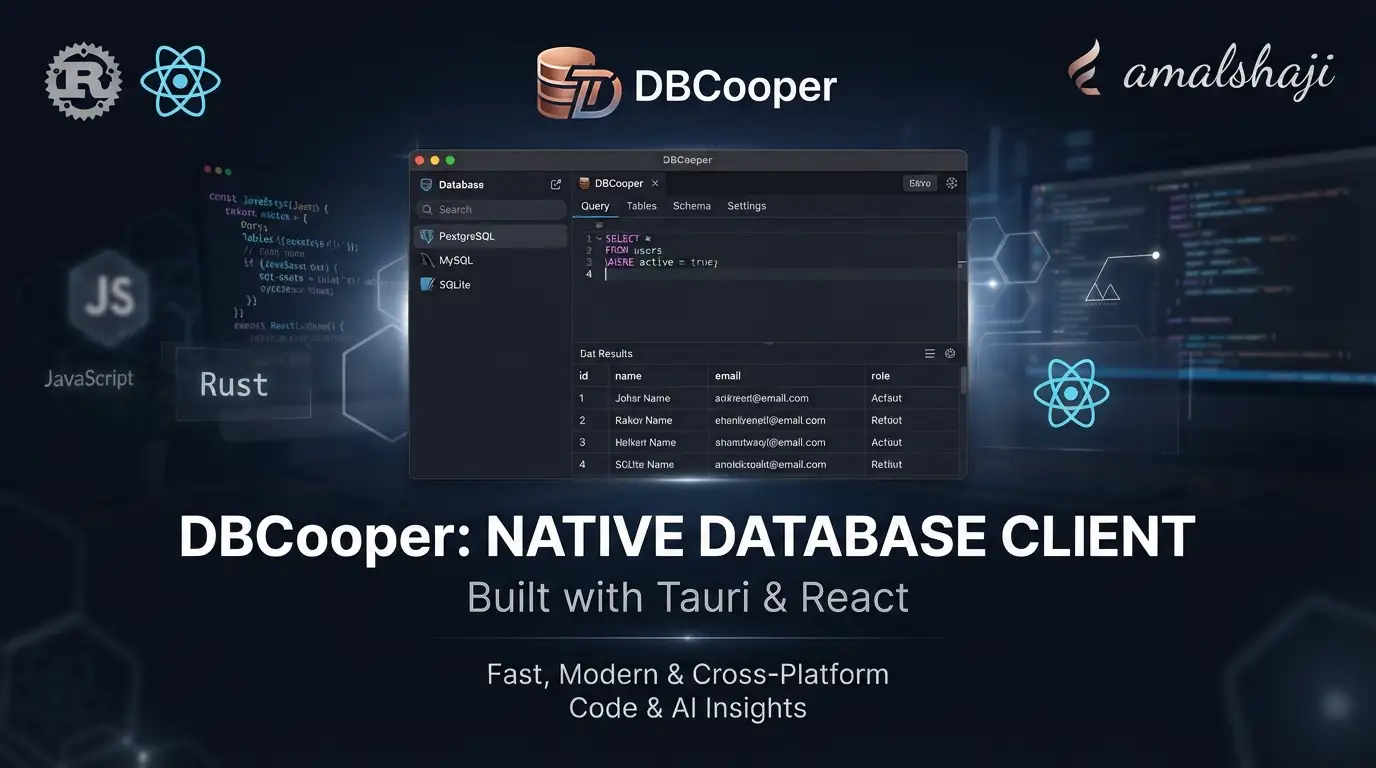
amalshaji/dbcooper: A Native Database Client Built with Tauri and React↗ Bright Coding Blog
Developers managing multiple database engines often face a fragmented workflow—switching between browser-based admin panels, CLI tools, and heavyweight IDEs that consume excessive resources. The need for a unified, lightweight native client that handles PostgreSQL↗ Bright Coding Blog, SQLite, Redis, and ClickHouse without Electron's memory footprint is increasingly acute, particularly for macOS developers seeking responsive, keyboard-driven interfaces. amalshaji/dbcooper enters this space as an open-source solution leveraging Rust and Tauri's native performance with a modern React frontend. With 456 GitHub stars and active development through July 2026, this MIT-licensed project offers a compelling alternative to established tools—provided its current macOS-only build aligns with your environment.
What is amalshaji/dbcooper?
amalshaji/dbcooper is a native desktop database client maintained by Amal Shaji, built atop the Tauri v2 framework with a React and TypeScript frontend. The project targets developers who need unified access to four distinct database systems: PostgreSQL, SQLite, Redis, and ClickHouse. Unlike Electron-based alternatives that bundle Chromium, Tauri's Rust core produces smaller binaries with lower memory consumption and faster startup—architectural choices that directly benefit developers running multiple database connections simultaneously.
The repository's technical stack reflects contemporary frontend practices: Vite for build tooling, shadcn/ui for component primitives, and Bun as both runtime and package manager. The backend Rust layer handles database drivers and native OS integrations, while SQLite serves dual purposes as local application storage and a connectable database engine. PostgreSQL support extends this to production-grade relational workloads, Redis covers caching and key-value operations, and ClickHouse addresses analytical column-store queries.
At 456 stars and 31 forks as of the last commit on July 11, 2026, the project sits in the emerging phase of open-source adoption—not yet mainstream, but with sufficient traction to indicate genuine utility. The MIT license removes commercial friction, making it suitable for both individual developers and organizational deployment. The explicit macOS 26 (Tahoe) requirement signals Apple's ecosystem as the current priority, with no documented Windows or Linux builds at this stage.
Key Features
Multi-Database Engine Support — DBcooper consolidates PostgreSQL, SQLite, Redis, and ClickHouse into a single interface. This eliminates context-switching between psql, redis-cli, and web-based ClickHouse consoles, particularly valuable for polyglot architectures where different data stores serve distinct purposes.
Native Performance via Tauri v2 — The Rust-powered backend delivers faster cold starts and reduced memory overhead compared to Electron equivalents. Tauri's v2 release brings improved mobile support and security hardening, though DBcooper currently leverages these for desktop optimization on Apple Silicon.
AI-Assisted SQL Generation — The query editor integrates natural language-to-SQL conversion through multiple provider options. Developers can configure OpenAI-compatible APIs with custom endpoints and models, or leverage local CLI tools including Claude Code, Codex CLI, and opencode. The system incorporates existing editor SQL and selected table schema metadata to improve generation accuracy—critical for complex joins or domain-specific naming conventions.
Modern React Interface — Built with TypeScript and Vite, the frontend uses shadcn/ui components for consistent, accessible controls. The documented screenshots show aggregation interfaces and query result visualizations, suggesting analytical workflows beyond raw table browsing.
Streamlined Distribution — Homebrew cask installation handles Gatekeeper quarantine automatically, while direct .dmg downloads accommodate manual deployment. The automated release pipeline via GitHub Actions, triggered by PR merge with a release label, demonstrates mature CI/CD practices.
Schema-Aware Intelligence — The AI generation feature specifically receives "selected table/column schema metadata," indicating introspection capabilities that reduce hallucinated column names or incorrect data types in generated queries.
Use Cases
Polyglot Development Environments — Teams running PostgreSQL for transactional data, Redis for session caching, and ClickHouse for event analytics can replace three separate tools with one consistent interface. The unified query history and connection management reduce cognitive load during incident response or exploratory data analysis.
Apple-First Development Shops — Organizations standardized on macOS 26+ benefit from a client optimized for their ecosystem without cross-platform abstraction penalties. The Apple Silicon build target ensures native ARM performance rather than Rosetta emulation.
AI-Augmented Query Authoring — Data analysts less fluent in SQL can describe needed results in natural language, review generated queries for correctness, and iterate. The schema metadata inclusion addresses a common failure mode of generic LLM SQL generation—unawareness of actual table structures.
Offline-Capable SQLite Workflows — Local SQLite databases for testing, prototyping, or embedded analytics require no network configuration. The same interface patterns apply whether connecting to :memory: SQLite instances or remote PostgreSQL clusters.
Security-Conscious Deployments — The MIT license permits internal forks with custom modifications. Organizations requiring air-gapped operation can configure local AI providers (Claude Code, Codex CLI, opencode) rather than routing schema metadata to external APIs.
Installation & Setup
DBcooper offers two installation paths for macOS users, with Homebrew recommended for automatic Gatekeeper handling.
Homebrew Installation (Recommended)
brew install --cask --force amalshaji/taps/dbcooper
The --force flag ensures reinstallation for updates, while Homebrew's cask mechanism automatically clears macOS Gatekeeper quarantine attributes. This allows immediate first launch without manual security exceptions.
Direct Download Installation
Download the latest .dmg from the Releases page. Before opening the application for the first time, remove Gatekeeper quarantine flags manually:
xattr -cr /Applications/DBcooper.app
This step is required because the distributed application is not notarized by Apple. The -c (clear) and -r (recursive) flags remove all extended attributes that trigger Gatekeeper blocking. After execution, launch normally via Finder or Spotlight.
Development Environment Setup
Contributors or those building from source require:
- Bun — JavaScript↗ Bright Coding Blog runtime and package manager
- Rust — Tauri backend compilation
- macOS 26 (Tahoe) or later
Install dependencies and launch development mode:
# Install all JavaScript and Rust dependencies
bun install

# Start Vite dev server with Tauri in watch mode
bun run tauri dev
The tauri dev command compiles the Rust backend in debug configuration and launches the Vite frontend with hot module replacement. Expect initial compilation to take several minutes as Rust dependencies build.
Icon regeneration after asset changes:
# Regenerate platform icons and macOS asset catalog
bun run icons
This processes icon.png and src-tauri/macos/AppIcon.png into required formats for application bundling.
Production builds target macOS ARM (Apple Silicon) specifically:
# Create optimized signed bundle with updater artifacts
bun run tauri build
The build pipeline requires code signing configuration for distribution. Unsigned builds function locally but cannot participate in the automated update mechanism.
Real Code Examples
The README provides explicit commands for operational workflows. Below are reproduced examples with contextual explanation.
Bypassing Gatekeeper for Manual Installation
# Remove quarantine attributes before first launch
xattr -cr /Applications/DBcooper.app
This command addresses macOS security restrictions on non-notarized applications. The xattr tool manipulates extended filesystem attributes; -c clears all attributes while -r recurses into the application bundle's directory structure. Without this step, macOS presents an unhelpful "cannot be opened" dialog with no override option in System Settings.
Development Server Launch
# Install dependencies using Bun's lockfile
bun install

# Run Tauri in development mode with HMR
bun run tauri dev
bun install resolves both npm-style JavaScript dependencies and triggers Tauri's Rust dependency fetch via Cargo. The tauri dev subcommand orchestrates parallel frontend and backend development↗ Bright Coding Blog servers, proxying API calls between Vite's dev server and the Rust process.
Production Build with Signing
# Generate release bundle configured for Apple Silicon
bun run tauri build
This invokes tauri build which compiles Rust in release mode, bundles the Vite production build, and applies configured code signatures. The output includes .app bundle, .dmg installer, and updater artifacts if signing secrets are present.
Icon Asset Regeneration
# Rebuild all platform icons from source assets
bun run icons
Tauri's icon generation creates multiple resolutions and formats required by macOS app bundles. This command must be re-run after modifying either icon.png (general) or src-tauri/macos/AppIcon.png (macOS-specific).
The README does not contain SQL query examples or AI generation output samples; the above represents all documented command-line interactions.
Advanced Usage & Best Practices
AI Provider Configuration Strategy — The flexibility to choose between OpenAI-compatible APIs and local CLI tools (Claude Code, Codex CLI, opencode) allows environment-appropriate selection. For sensitive production schemas, local CLI tools keep metadata within your infrastructure. For maximum model capability with permissive data, GPT-4-class APIs may generate more complex analytical queries.
Schema Metadata Optimization — The AI generation quality depends on accurate schema metadata. Ensure database connections have sufficient privileges for information_schema or equivalent introspection. For PostgreSQL, this typically requires CONNECT and USAGE privileges on the target database and schemas.
Version Management for Releases — The automated release workflow requires precise version bumping in src-tauri/tauri.conf.json before PR creation. The release label trigger prevents accidental publishes. Maintain the TAURI_SIGNING_PRIVATE_KEY and optional password as GitHub repository secrets—never commit these to source control.
Bun Lockfile Consistency — As a Bun-native project, use bun install exclusively rather than mixing npm or pnpm. The lockfile format differs and cross-tool usage may produce inconsistent dependency trees.
macOS Version Pinning — The explicit macOS 26 (Tahoe) requirement suggests dependencies on newer Apple frameworks or Swift runtime versions. Attempting builds on earlier macOS versions will likely fail during Tauri compilation; verify upgrade paths before adoption in constrained environments.
Comparison with Alternatives
| Tool | Architecture | Cross-Platform | AI Features | License | Memory Profile |
|---|---|---|---|---|---|
| amalshaji/dbcooper | Tauri (Rust) + React | macOS only | Native integration (multiple providers) | MIT | Low (native) |
| Beekeeper Studio | Electron + Vue | macOS, Windows, Linux | None in OSS | MIT | Higher (Chromium) |
| TablePlus | Native (proprietary) | macOS, Windows, iOS | None | Proprietary | Low |
| DBeaver | Eclipse RCP (Java) | All platforms | Limited (via plugins) | Apache-2.0 | Higher (JVM) |
Trade-off Analysis: DBcooper's Tauri foundation yields genuine performance advantages over Electron alternatives like Beekeeper Studio, but at the cost of current platform exclusivity. TablePlus offers broader native performance across platforms but carries proprietary licensing and no AI assistance. DBeaver's Java base enables universal compatibility with plugin extensibility, yet suffers slower startup and higher baseline memory. DBcooper occupies a specific niche: developers prioritizing native macOS performance, modern React UI patterns, and integrated AI generation who accept the current single-platform limitation.
FAQ
Is DBcooper available for Windows or Linux? Currently no. The build configuration explicitly targets macOS ARM (Apple Silicon) with macOS 26 (Tahore) as the minimum version.
Why does the app require manual Gatekeeper bypass?
The distributed application is not Apple-notarized. Homebrew installation handles this automatically; manual .dmg installs require xattr -cr.
What AI providers work with the SQL generation? OpenAI-compatible APIs (custom endpoint, key, model) or local CLI installs: Claude Code, Codex CLI, or opencode.
Can I use DBcooper commercially? Yes. The MIT license permits commercial use, modification, and distribution with minimal attribution requirements.
How do automated releases work?
Bump version in src-tauri/tauri.conf.json, open a PR with the release label, merge to main, and GitHub Actions builds a draft release.
What database protocols are supported? PostgreSQL, SQLite (including local files), Redis, and ClickHouse as documented. No MySQL↗ Bright Coding Blog or MongoDB support is mentioned.
Is the AI generation safe for sensitive schemas? Local CLI providers (Claude Code, Codex CLI, opencode) process metadata on-device. OpenAI-compatible APIs transmit schema data to configured endpoints—evaluate your security requirements accordingly.
Conclusion
amalshaji/dbcooper represents a focused, technically coherent approach to database client development. Its Tauri v2 and React foundation delivers genuine architectural advantages—faster startup, lower memory use, modern component patterns—while the integrated AI SQL generation addresses a practical productivity need. The 456-star traction and active maintenance through mid-2026 indicate sustainable development, though the macOS-only constraint significantly narrows addressable audience.
This tool best serves Apple-ecosystem developers managing heterogeneous database environments who value native performance over cross-platform ubiquity. The MIT license and open-source model permit inspection, customization, and internal deployment without commercial friction. For teams already standardized on macOS 26+ with PostgreSQL-Redis-ClickHouse-Sqlite workloads, DBcooper merits evaluation against established alternatives.
Explore the source, review the full feature documentation, and download the latest release at https://github.com/amalshaji/dbcooper.
For broader context on Tauri-based application development, see [INTERNAL_LINK: tauri-vs-electron-performance].


