
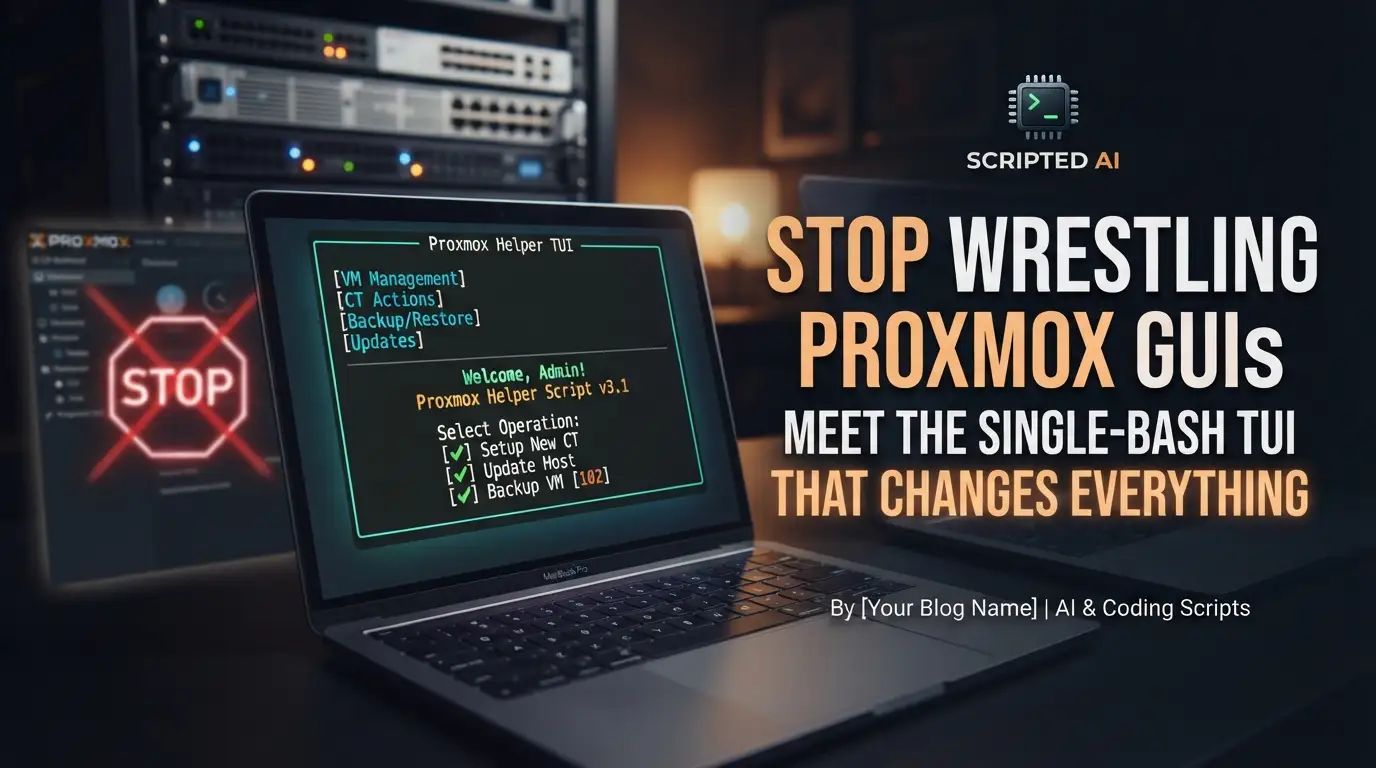
Stop Wrestling Proxmox GUIs: Meet the Single-Bash TUI That Changes Everything
How many hours have you lost this month alone? You log into the Proxmox web interface, wait for the JavaScript↗ Bright Coding Blog payload to crawl down the wire, click through three nested menus just to restart a frozen container, and pray the session doesn't time out before you finish. For homelab warriors managing dozens of VMs and containers, this isn't just annoying—it's a productivity black hole that steals time you could spend actually building things.
But what if you could manage your entire Proxmox fleet without ever touching a browser? No daemons eating RAM. No agents to install on every guest. No dependencies that break during your next apt upgrade. Just one battle-tested Bash script that turns complex virtualization orchestration into a keystroke-driven experience so smooth, you'll wonder why Proxmox doesn't ship this by default.
Enter proxmox-manager—the open-source secret that's quietly becoming the standard tool in serious Proxmox environments. Born from real operational pain and refined through community battle-testing, this single-file Bash TUI eliminates the friction between you and your infrastructure. Whether you're managing a home lab with five containers or production nodes with fifty VMs, this tool transforms tedious clicks into fluid terminal commands. Ready to reclaim your time? Let's dive deep into why developers and sysadmins are abandoning the web UI for good.
What Is proxmox-manager?
proxmox-manager (alias pman) is a robust Bash-based Terminal User Interface (TUI) designed specifically for managing Proxmox VE virtual machines and containers. Created by TimInTech, this open-source tool distills complex Proxmox operations into an elegant, keyboard-driven interface that runs directly on your Proxmox host.
The project's philosophy is radical simplicity: one file, zero dependencies, infinite capability. Unlike competing solutions that require Python↗ Bright Coding Blog environments, Node.js runtimes, or Docker↗ Bright Coding Blog containers just to function, proxmox-manager leverages only what already exists on every Proxmox VE installation—Bash 4.0+ and the native qm/pct command-line tools. This isn't minimalism for aesthetic's sake; it's operational resilience. When you're SSH'd into a node at 3 AM during an outage, the last thing you need is a dependency chain failing.
The tool has gained significant traction across the Proxmox community, with coverage in technical publications like askomputer.pl and active CI/CD pipelines ensuring code quality. Version 2.10.0 (released May 2026) represents a mature, feature-complete solution that balances power-user capabilities with approachable design. It supports Proxmox VE 7.x, 8.x, and the emerging 9.x series—future-proofing your workflow across upgrade cycles.
What makes proxmox-manager genuinely special is its dual personality: fire up pman without arguments for an interactive TUI experience, or append flags for scriptable automation. This hybrid approach serves both the operator who needs quick visual status checks and the DevOps↗ Bright Coding Blog engineer building infrastructure-as-code pipelines.
Key Features That Set It Apart
The feature set of proxmox-manager reveals careful attention to real-world operational needs, not checkbox-driven development. Here's what makes it indispensable:
📋 Intelligent List & Status Display — The TUI presents all VMs and containers in a clean, scannable table with intuitive status symbols: [+] for running, [-] for stopped, [~] for paused, and [?] for unknown states. This visual language becomes second nature within minutes, letting you assess fleet health at a glance.
⚡ Safe Power Management — Start, stop, and restart operations include confirmation prompts for destructive actions, with configurable timeouts and automatic force-stop fallback. Proxmox error details surface clearly when things go wrong—no more guessing why a shutdown hung.
🖥️ Seamless Console Access — Enter LXC containers via pct enter or attach to QEMU terminals through qm terminal without remembering arcane command syntax. The tool verifies running state before attempting connection, preventing frustrating failures.
📦 Complete Snapshot Lifecycle — List, create, rollback, and delete snapshots with name validation and preview screens before destructive operations. Numbered selection (added in v2.10.0) streamlines rollback workflows when you're under pressure.
🖱️ SPICE Remote Desktop Integration — Enable SPICE for VMs and retrieve .vv connection files automatically. With virt-viewer installed, connections launch directly; otherwise, clear instructions guide manual setup. The SPICE bind address is configurable via environment or config file.
🤖 Automation-Native Architecture — JSON output (--json), status filtering (--filter running|stopped|paused), ERE name patterns (--name web), force mode (--force), and structured logging via LOG_FILE make this tool a first-class citizen in CI/CD pipelines and monitoring systems.
⚙️ Persistent Configuration — Define defaults in /etc/pmanrc (system-wide) or ~/.pmanrc (per-user), with CLI flags always taking precedence. This layered configuration supports everything from timeout preferences to custom SPICE addresses.
Real-World Use Cases Where It Shines
1. The 3 AM Incident Response
Your monitoring alerts fire: a critical VM is unresponsive. With proxmox-manager, you SSH to the node, run pman, spot the [~] paused symbol instantly, and restart it—all without browser latency or authentication dances. The force-stop fallback ensures even hung VMs recover when seconds count.
2. Homelab Fleet Management
Running 20+ containers for development, media serving, and experimentation? The interactive TUI becomes your mission control. Filter by status, batch-stop idle services to save power, snapshot before risky upgrades, and console into any container without remembering VMIDs.
3. CI/CD Infrastructure Automation
Embed pman --json --filter running in your deployment scripts to verify preconditions before blue-green deployments. Use --force --timeout 30 for deterministic pipeline stages that can't hang on interactive prompts. The structured JSON integrates cleanly with jq for complex orchestration logic.
4. Compliance and Audit Documentation
Generate machine-readable reports with pman --json | jq '[.[] | {id, type, status, name}]' for compliance documentation. The --name filter with Extended Regular Expressions lets you extract subsets (e.g., all prod-.* instances) for targeted reporting.
5. Remote Administration Over Low-Bandwidth Links
Satellite offices or cellular backup connections make the Proxmox web UI unusable. proxmox-manager's terminal-native operation thrives where graphical interfaces fail, turning a 56K-equivalent SSH session into full administrative capability.
Step-by-Step Installation & Setup Guide
Getting proxmox-manager running takes under a minute. Here's the complete process:
Prerequisites
- Proxmox VE host (versions 7.x, 8.x, or 9.x)
- Bash 4.0 or newer
- Root privileges (required for
qm/pctoperations) qmandpctcommands (bundled with all Proxmox VE installations)
Installation
Step 1 — Clone the repository
git clone https://github.com/TimInTech/proxmox-manager.git
cd proxmox-manager
Step 2 — Make executable and run
chmod +x proxmox-manager.sh
./proxmox-manager.sh
Step 3 — Optional: System-wide installation as pman
./install_dependencies.sh
This creates a symlink at /usr/local/bin/pman, enabling invocation from any directory on the host.
Shell Completion Setup
For Bash (system-wide):
sudo cp completions/pman.bash /etc/bash_completion.d/pman
For Zsh:
mkdir -p ~/.zsh/completions
cp completions/pman.zsh ~/.zsh/completions/_pman
Configuration File Creation
Create ~/.pmanrc for personalized defaults:
# ~/.pmanrc — example configuration
STOP_TIMEOUT=120                          # Extended timeout for graceful shutdowns
LOG_FILE="/var/log/proxmox-manager.log"   # Enable structured logging for audit trails
PROXMOX_MANAGER_SPICE_ADDR="192.168.1.10" # Bind SPICE to specific interface
Remember: CLI flags always override config file values, giving you flexibility for one-off operations.
REAL Code Examples from the Repository
Let's examine actual code patterns from the proxmox-manager repository, explaining how they work and when to use them.
Example 1: Basic Interactive TUI Launch
The simplest invocation reveals the full power of the interface:
pman
This command launches the interactive TUI, displaying a live-updating table of all VMs and containers. The interface shows status symbols ([+], [-], [~], [?]) alongside VMIDs, types (VM/CT), names, and statuses. Navigation is keyboard-driven: enter a VMID to open its action menu, press r to refresh the display, or q to quit cleanly.
When to use this: Daily operations, visual health checks, exploratory management when you need to see the full fleet state before deciding actions.
Example 2: JSON Output with jq Filtering
For automation and scripting, the --json flag transforms proxmox-manager into a data source:
pman --json | jq '.[] | select(.status == "running")'
This pipeline outputs structured JSON, then filters for only running instances. The raw JSON structure looks like:
[
  {"id": 100, "type": "VM", "status": "running", "symbol": "[+]", "name": "web-server"},
  {"id": 101, "type": "CT", "status": "stopped", "symbol": "[-]", "name": "db-container"}
]
When to use this: CI/CD pipelines, monitoring integrations, inventory systems, or any scenario requiring machine-parseable data. The symbol field preserves human-readable status while status enables precise filtering.
Example 3: Combined Filtering for Targeted Operations
Version 2.10.0 introduced powerful combinable filters:
pman --filter running --name "web.*" --json
This command extracts only running VMs/CTs whose names match the ERE pattern web.*. The --name flag accepts Extended Regular Expressions, enabling sophisticated pattern matching like prod-(web|api)-[0-9]+ for specific instance groups.
When to use this: Targeted automation against service tiers, batch operations on named environments, or extracting metrics for specific application stacks.
Example 4: Force Mode with Custom Timeout
For unattended scripts requiring deterministic behavior:
pman --force --timeout 30
The --force flag suppresses all confirmation prompts—critical for automation where no human is present to approve. The --timeout 30 overrides the default 60-second graceful shutdown window, forcing faster recovery when you know services can handle it.
When to use this: Automated maintenance windows, orchestrated rolling restarts, disaster recovery playbooks where speed outweighs graceful degradation.
Example 5: SPICE Remote Desktop Workflow
For graphical VM access without browser-based noVNC:
# First: install virt-viewer on the Proxmox host
apt install virt-viewer

# Then: use pman's SPICE integration (triggered from the TUI action menu)
# The tool generates a .vv connection file and auto-launches virt-viewer
If virt-viewer isn't installed, proxmox-manager prints the .vv file path with installation instructions. The SPICE bind address defaults to 127.0.0.1 for security but can be overridden:
# In ~/.pmanrc or as environment variable
PROXMOX_MANAGER_SPICE_ADDR="192.168.1.10"
When to use this: Performance-sensitive graphical workloads, clipboard-sharing scenarios, or when noVNC's browser overhead causes unacceptable latency.
Advanced Usage & Best Practices
Structured Logging for Audit Trails: Enable LOG_FILE in your config to capture every operation with timestamps. This transforms proxmox-manager from an interactive tool into a compliance-friendly audit source. The v2.10.0 enhancement writes full Proxmox stderr to the log while showing only the first line on stdout—clean output with complete forensic detail preserved.
Config Layering Strategy: Deploy /etc/pmanrc with conservative organization-wide defaults (long timeouts, restrictive SPICE addresses), then let individual operators override in ~/.pmanrc for their workflow preferences. This balances standardization with flexibility.
Test-Driven Customization: Before modifying the script for your environment, run the included test suite:
# Lint for code quality
shellcheck proxmox-manager.sh

# Run 29 unit tests using mock stubs (no Proxmox required)
tests/run.sh
These tests cover validate_vmid, validate_snapshot_name, --filter behavior, and CLI flag parsing—giving you confidence that core logic remains sound.
Snapshot Naming Conventions: Leverage the name validation by adopting structured snapshot names like pre-upgrade-2026-05-15 or baseline-v2.3. This makes the numbered rollback selection (v2.10.0 feature) maximally useful when you're recovering under pressure.
Integration with Monitoring: Pipe pman --json into your monitoring system's custom checks. A simple cron job can alert when expected VMs show [?] unknown status, catching Proxmox API anomalies before they escalate.
Comparison with Alternatives
| Feature | proxmox-manager | Proxmox Web UI | qm/pct CLI |
Ansible Proxmox Modules |
|---|---|---|---|---|
| Dependencies | Zero (Bash only) | Browser + JavaScript | None | Python + proxmoxer |
| Interactive Experience | Full TUI | Graphical | None | None |
| Scriptable Output | Native JSON | API parsing required | Text parsing | Native |
| Setup Time | < 1 minute | Pre-installed | Pre-installed | 10+ minutes |
| Console Access | Integrated | Integrated | Manual commands | Not supported |
| SPICE Integration | Auto-launch .vv |
Manual download | Manual commands | Not supported |
| Snapshot Management | Guided TUI + validation | GUI wizard | Manual commands | Module-based |
| Works Over Slow Links | Excellent | Poor | Excellent | Good |
| Offline Operation | Yes | No | Yes | Partial |
Why choose proxmox-manager over the web UI? Speed, reliability, and bandwidth independence. The TUI loads instantly, never caches stale state, and functions flawlessly over SSH tunnels or serial consoles.
Why choose it over raw qm/pct? Cognitive load reduction. The tool remembers syntax, validates inputs, and presents options contextually—eliminating manual command construction and typo-induced disasters.
Why choose it over Ansible? Immediate gratification for ad-hoc operations. Ansible excels at declared-state infrastructure, but proxmox-manager dominates for exploratory management and rapid incident response where playbook development would slow you down.
Frequently Asked Questions
Q: Does proxmox-manager work with Proxmox VE clusters, or only single nodes?
A: It runs on individual Proxmox nodes using local qm/pct commands. For cluster-wide views, run it on each node or aggregate JSON outputs. This design ensures zero network dependencies and maximum reliability.
Q: Can non-root users run proxmox-manager?
A: No—qm and pct fundamentally require root privileges for VM/CT operations. This is a Proxmox VE security model limitation, not a tool restriction. The tool never stores credentials, relying entirely on host authentication.
Q: How do I automate proxmox-manager in cron jobs or systemd timers?
A: Use the non-interactive flags: pman --json --filter running --force. Ensure the executing context has root privileges and any needed environment variables or config files are in place.
Q: Is proxmox-manager safe for production environments? A: Yes. The tool has no background processes, makes no network calls, and uses only Proxmox's native CLI tools. CI pipelines run ShellCheck and Gitleaks on every commit. However, as with any root-privileged tool, test in staging first.
Q: Can I extend proxmox-manager with custom actions? A: The single-file Bash architecture makes modification straightforward. Fork the repository, add your functions, and submit a PR following the conventional commit format. The maintainer actively welcomes community contributions.
Q: What happens if a Proxmox upgrade breaks qm or pct syntax?
A: proxmox-manager uses stable, long-supported qm/pct subcommands. The project's CI tests against current Proxmox versions, and the Bash-native implementation allows rapid patching if changes occur.
Q: How does snapshot rollback handle running VMs? A: The tool guides you through the rollback process with clear warnings and confirmation prompts. Proxmox VE handles the underlying stop/rollback/start sequence; proxmox-manager ensures you understand the impact before proceeding.
Conclusion
The Proxmox web UI was revolutionary when it launched, but modern infrastructure demands speed, scriptability, and terminal-native workflows. proxmox-manager delivers all three in a package so lean it feels like cheating—a single Bash file that outperforms bloated alternatives ten times its complexity.
Whether you're stopping a runaway container at 3 AM, automating fleet-wide snapshots before maintenance windows, or simply tired of browser tabs grinding your workflow to a halt, this tool earns its place in your toolkit. The zero-dependency architecture means it'll work when everything else fails, and the active development community ensures continuous refinement.
Don't let another hour vanish into clicking through Proxmox menus. Install proxmox-manager today, experience the fluidity of keyboard-driven virtualization management, and join the growing community of operators who've reclaimed their time. The future of Proxmox administration is terminal-native—and it's already here.
⭐ Star proxmox-manager on GitHub · 🐛 Report Issues · ☕ Support Development


