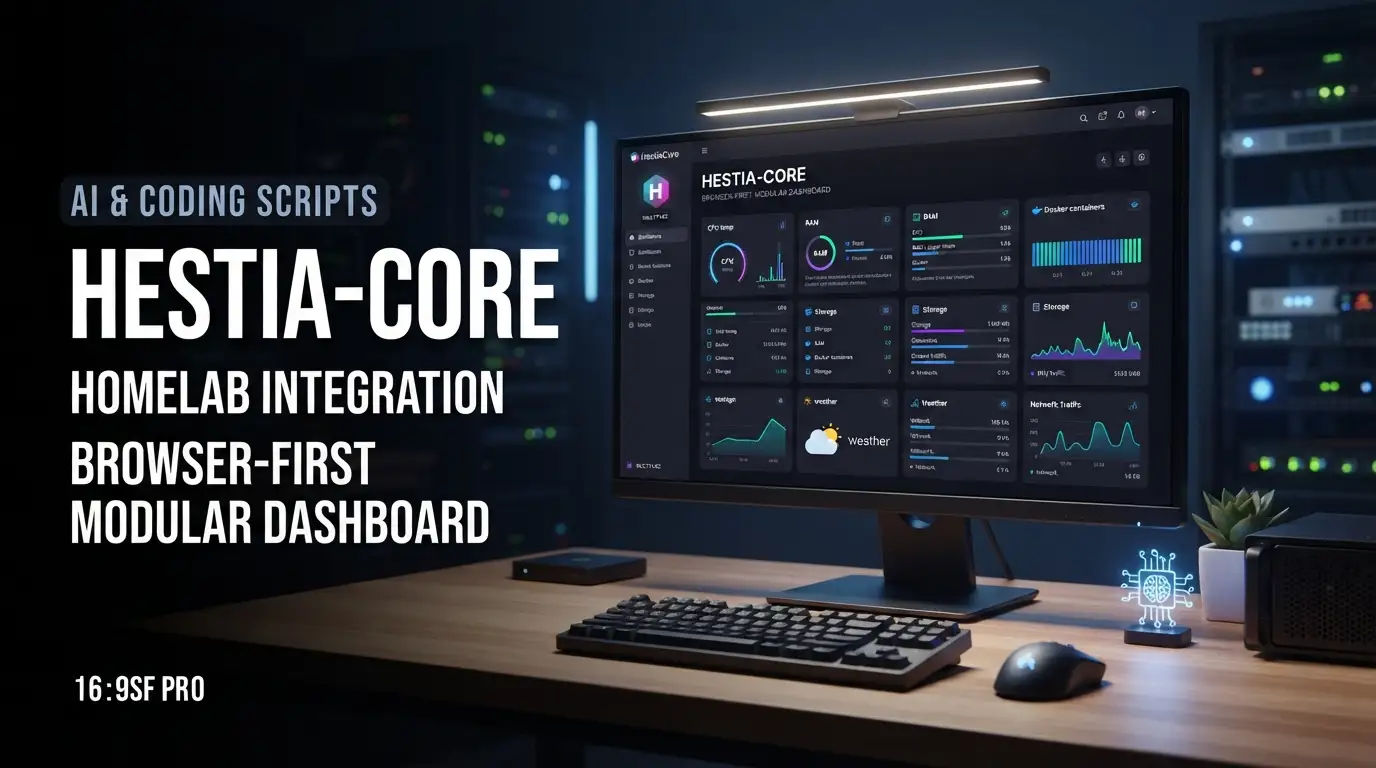
mult1v4c/hestia-core: Browser-First Modular Dashboard for Homelab Integration
Managing a growing homelab means juggling multiple services—monitoring tools, media servers, DNS filters, and download clients—each with its own interface, authentication flow, and visual design. The cognitive overhead compounds quickly. Developers and systems operators need a unified view that doesn't introduce yet another complex backend to maintain. mult1v4c/hestia-core addresses this directly: a grid-based, modular dashboard built entirely from HTML, CSS, and JavaScript↗ Bright Coding Blog that runs in the browser without requiring a database, yet still integrates with real homelab APIs through a lightweight proxy layer.
This article examines what mult1v4c/hestia-core offers, how it works under the hood, and whether it fits your infrastructure stack.
What is mult1v4c/hestia-core?
mult1v4c/hestia-core is an open-source dashboard framework maintained by GitHub user mult1v4c. As of its last commit on 2025-11-28, the project has accumulated 684 stars and 41 forks, with JavaScript as its primary language and the MIT License governing usage.
The project occupies a specific niche: it is explicitly inspired by established homelab dashboards like Homarr, Dash., and Homepage, but distinguishes itself through a browser-native architecture. Everything executes client-side. There is no Node.js backend runtime, no database server to provision, and no container orchestration required beyond the optional Nginx proxy for API integration.
The author originally built Hestia for personal use, then open-sourced it as the feature set expanded. This origin matters—it explains the pragmatic design decisions: localStorage for configuration persistence, IndexedDB for client-side image storage, and a class-based widget system that prioritizes simplicity over enterprise extensibility. The project targets individuals running homelab environments who want visual consolidation without infrastructure sprawl.
Key Features
Deep Theming with Base16
Hestia ships with full Base16 palette support, covering popular schemes like Dracula, Nord, and Monokai. Customization extends beyond color: users control gap sizes, corner radii, fonts, and shadows. Custom presets can be created and saved directly in the UI, then exported as JSON for backup or sharing.
View Transitions API Grid System
The drag-and-drop layout uses the View Transitions API for animations during widget movement and resizing. Layout state auto-saves to localStorage. This is a deliberate modern-web choice—smooth performance without animation libraries, but with the caveat that browser support for View Transitions remains evolving (as of late 2024, primarily Chromium-based).
Persistence Without a Database
Configuration stores in localStorage; image assets use IndexedDB. This eliminates backend dependencies entirely for basic usage. The trade-off is clear: no multi-user support, no server-side backup, and localStorage's inherent size limitations (typically 5-10MB). For personal dashboards, this is often acceptable.
Homelab API Integrations
Built-in connectors for Glances (system monitoring), Pi-hole (DNS filtering), Deluge (BitTorrent), and Jellyfin (media server). These require the included Nginx proxy configuration to handle CORS, as the browser's same-origin policy blocks direct cross-origin requests to these services.
Built-in Widget Suite
Beyond integrations, Hestia includes standalone widgets: digital clock, Open-Meteo weather, calendar, Markdown↗ Smart Converter notes, bookmarks with cover/colorize modes, Neofetch-style system info, image frames, and visual easter eggs (Matrix rain, 3D pipes screensaver).
Use Cases
Single-Operator Homelab Consolidation
A developer running Proxmox with Glances on a monitoring VM, Pi-hole on a Raspberry Pi, and Jellyfin on a NAS can surface all four services in one viewport. The Nginx proxy routes requests internally, avoiding CORS configuration on each service individually.
Theme-Consistent Service Portal
Teams or households sharing homelab access benefit from Hestia's theming system. Rather than bookmarking disparate admin panels with clashing UIs, operators create a branded landing page with consistent visual language—useful for [INTERNAL_LINK: homelab-documentation] workflows.
Offline-Capable Personal Dashboard
Because core functionality requires no network calls after initial load, Hestia works in air-gapped or intermittent-connectivity environments. The clock, calendar, notes, and bookmarks function without any backend. API-dependent widgets degrade gracefully if services are unreachable.
Rapid Prototyping for Custom Widgets
The class-based registration system (detailed below) allows developers to build domain-specific widgets—internal metrics, deployment status, CI/CD pipelines—without adopting a heavy dashboard framework like Grafana or React↗ Bright Coding Blog-based alternatives.
Low-Maintenance Family/Friend Sharing
The JSON export/import system enables sharing complete dashboard configurations. A technically proficient user configures integrations, exports the JSON, and less-technical household members import it. The built-in safeguard strips API keys and credentials, though the README explicitly warns users to verify exports before sharing.
Installation & Setup
Hestia offers two deployment paths: Docker↗ Bright Coding Blog (recommended for API integrations) and static/manual hosting.
Docker Deployment
The Docker route includes Nginx pre-configured with proxy rules for homelab services.
# Clone the repository
git clone https://github.com/mult1v4c/hestia-core
cd hestia-core

# Build the image
docker build -t hestia-core .

# Run with port mapping
docker run -d -p 8080:80 --name hestia hestia-core
After startup, access the dashboard at http://localhost:8080.
Critical pre-build step: Edit default.conf to replace placeholder IPs with your actual service addresses. The README notes these proxy paths:
| Service | Proxy Path | Original Target |
|---|---|---|
| Pi-hole | /pi-api/admin/api.php |
http://192.168.x.x/admin/api.php |
| Deluge | /deluge-api/json |
http://192.168.x.x:8112/json |
| Jellyfin | /jellyfin-api/ |
http://192.168.x.x:8096/ |
Without this step, integrations will route to non-existent addresses.
Static/Manual Deployment
For environments where Docker is undesirable, Hestia runs on any static web server:
# Example using Python↗ Bright Coding Blog's built-in server
python3 -m http.server 8000
Or deploy to Nginx, Apache, Caddy, or object storage with static hosting enabled.
Important limitation: Without the Nginx proxy, CORS-unfriendly services (Deluge, Pi-hole, Jellyfin) will fail. Browser security policies block direct fetch() requests to these endpoints. Workarounds include configuring CORS on each service individually or using a separate reverse proxy.
Real Code Examples
Custom Widget: Extending BaseApp
The README provides a complete minimal widget implementation. This demonstrates Hestia's architectural pattern:
import { BaseApp } from "./baseApp.js";
import { registry } from "../registry.js";

class MyApp extends BaseApp {
    // 1. Render HTML string for initial DOM insertion
    async render(app) {
        return `
            <div class="my-app">
                Hello ${app.data.name || 'World'}!
            </div>
        `;
    }

    // 2. Lifecycle hook after DOM insertion
    // Use for event listeners, timers, or API polling
    onMount(el, app) {
        console.log("I am alive!");
    }
}

// 3. Register with metadata for UI discovery
registry.register('my-app', MyApp, {
    label: 'My Cool App',
    category: 'static',
    defaultSize: { cols: 2, rows: 1 },
    settings: [
        { name: 'name', label: 'Who to greet?', type: 'text' }
    ],
    css: `.my-app { color: var(--brand-primary); font-weight: bold; }`
});
Key observations: Widgets are async-capable (render returns a Promise), CSS-scoped via injected styles, and self-describing through the registry metadata. The settings array auto-generates configuration UI—no separate form definition needed.
Integration: Importing Custom Widgets
After creating js/apps/myApp.js, expose it through the module index:
// js/apps/appIndex.js
// Add this line alongside existing imports
import './myApp.js';
This explicit import pattern keeps bundle size predictable—widgets not imported are not loaded. For production deployments with many custom widgets, consider dynamic import() if code-splitting becomes necessary.
Advanced Usage & Best Practices
Proxy Security Hardening
The included default.conf exposes internal services through path-based routing. Before production deployment:
- Restrict Nginx
allowdirectives to your LAN subnet - Consider HTTP Basic Auth on the Hestia endpoint itself
- Use TLS termination (reverse proxy or Nginx
sslconfiguration) if accessing remotely
Configuration Backup Strategy
While localStorage persists across browser sessions, it clears on explicit data deletion. The JSON export in Settings → Gear Icon should be used routinely. Store exports in version control or encrypted cloud storage. Verify exports before sharing—the sanitization heuristic may miss custom credential fields.
IndexedDB Quota Management
High-resolution images in the Image Frame widget consume IndexedDB quota. Monitor usage via browser DevTools → Application → Storage. The README notes this as a feature, but quota exhaustion will silently fail uploads.
View Transitions API Fallback
If targeting Firefox or Safari (which lack View Transitions support as of early 2025), widget movement will still function but without animations. Test your primary browser matrix before relying on the visual polish.
Comparison with Alternatives
| Feature | mult1v4c/hestia-core | Homarr | Homepage |
|---|---|---|---|
| Backend requirement | None (optional Nginx proxy) | Docker-based Node.js | Docker-based static + API |
| Database | localStorage/IndexedDB | SQLite | YAML files |
| Theming depth | Base16 + full CSS variables | Limited presets | Limited |
| Widget development | Vanilla JS class extension | React component | YAML configuration |
| Built-in integrations | 4 (Glances, Pi-hole, Deluge, Jellyfin) | Extensive (20+) | Moderate (10+) |
| Multi-user support | No | Yes (via auth) | No |
| Maturity/community | 684 stars, single maintainer | Larger ecosystem | Established, stable |
When to choose mult1v4c/hestia-core: You prioritize zero-backend simplicity, want deep visual customization, or need to embed custom vanilla JS widgets without framework lock-in.
When to choose alternatives: You need multi-user auth, extensive pre-built integrations without proxy configuration, or prefer React-based component ecosystems.
FAQ
Does mult1v4c/hestia-core require Docker?
No. Docker is recommended only if using API integrations that need CORS proxying. Static hosting works for basic widgets.
Can multiple users share one Hestia instance?
Not natively. Configuration is browser-local. Each user would need separate browser profiles or manual JSON import/export.
What browsers are supported?
Chromium-based browsers have full feature parity. Firefox/Safari lack View Transitions API support; core functionality remains intact.
Is the MIT License permissive for commercial use?
Yes. MIT permits commercial use, modification, and distribution with attribution. See the repository's LICENSE file for exact terms.
How do I update service IPs in the Docker proxy?
Edit default.conf before running docker build. There is no runtime configuration UI for proxy targets.
Will my API keys leak if I share themes?
The export function attempts to sanitize credentials, but the README explicitly warns: manually verify JSON exports before sharing.
Can I use my own weather provider instead of Open-Meteo?
Not without building a custom widget. The built-in Weather widget is hardcoded to Open-Meteo's API.
Conclusion
mult1v4c/hestia-core fills a precise gap: a visually customizable, backend-free dashboard for personal homelab consolidation. Its 684 GitHub stars and active maintenance through late 2025 suggest sustained utility for its target audience. The trade-offs are explicit—no multi-user support, no server-side persistence, and a manual proxy configuration step—but these align with its design goal of radical simplicity.
This tool suits developers who manage their own infrastructure, value vanilla JavaScript extensibility, and prefer client-side architectures that minimize long-term maintenance burden. It is less appropriate for team environments requiring authentication audit trails or those seeking turnkey integrations without proxy configuration.
If your homelab has outgrown browser bookmarks but you resist adding another database to your stack, explore mult1v4c/hestia-core on GitHub and evaluate whether its widget model matches your services.