
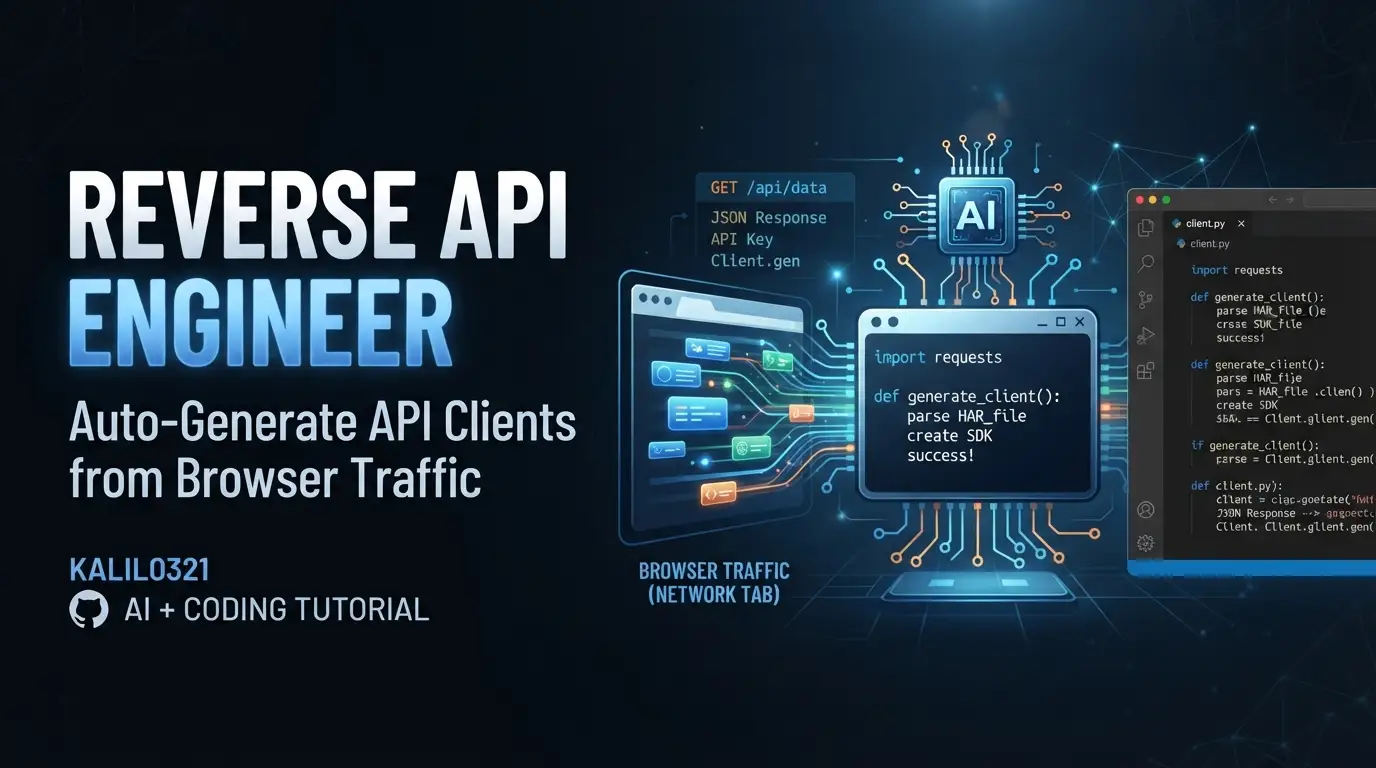
kalil0321/reverse-api-engineer: Auto-Generate API Clients from Browser Traffic
Developers have long faced a tedious ritual: open DevTools, navigate a website, copy cURL commands from the Network tab, hand-translate them into Python↗ Bright Coding Blog or JavaScript↗ Bright Coding Blog, then maintain that fragile client as the site changes. The reverse-api-engineer project by kalil0321 eliminates this friction by automating the entire pipeline—from browser traffic to working, typed API code.
This open-source Python tool (869 GitHub stars, 79 forks, MIT-licensed) captures network requests as you browse, then uses Claude to generate clean API clients in Python, JavaScript, or TypeScript. It supports both manual browsing and autonomous AI agent modes, making it flexible for quick one-offs and systematic data collection alike.
What is kalil0321/reverse-api-engineer?
reverse-api-engineer is a CLI tool and AI agent system that reverse-engineers websites into programmable APIs. Released under the MIT License and actively maintained (last commit July 5, 2026), it sits at the intersection of browser automation, API tooling, and AI-assisted code generation.
The project is built in Python 3.11+ and distributed via PyPI and uv. Its core innovation is combining Playwright-based browser capture with large language model (LLM) code generation—specifically Claude models via multiple SDK integrations. Rather than scraping HTML, it observes the actual API calls a website makes, producing clients that mirror real frontend behavior.
The tool offers four operational modes: manual (you drive, AI generates), agent (AI drives autonomously), engineer (re-run generation on past captures), and collector (structured data extraction via web search). This versatility distinguishes it from simpler HAR-to-code converters by embedding intelligence at both the capture and generation stages.
With 869 stars and growing community engagement, reverse-api-engineer reflects genuine developer interest in reducing API integration overhead—particularly for sites without public documentation or with complex authentication flows.
Key Features
Multi-Modal Capture Architecture
The tool supports three agent providers: auto (default Playwright MCP with unified browsing and reverse engineering), chrome-mcp (drives your real Chrome browser, preserving sessions and cookies), and agent-browser (Vercel's agent-browser CLI). The chrome-mcp mode requires Chrome 146+ and Node.js 20.19+, while agent-browser auto-installs via npm if not present on PATH.
LLM-Powered Code Generation
Claude models generate clients through configurable SDKs: Anthropic's Claude Code (default), OpenCode, Cursor, or GitHub Copilot. Model selection includes Sonnet 4.6 (balanced), Opus 4.6 (maximum capability), and Haiku 4.5 (speed). Output languages span Python, JavaScript, and TypeScript.
Structured CLI Interface
The interactive CLI supports slash commands (/settings, /history, /messages) and scriptable subcommands with JSON output for CI/CD integration. The --json flag produces machine-parseable results; --no-interactive enables automation.
Persistent Run Management
Every capture generates a unique run_id with permanent storage in ~/.reverse-api/runs/scripts/ and a human-readable local copy. The collector mode outputs structured data as JSON, CSV, and README documentation.
Real-Time Synchronization
Optional real_time_sync streams capture progress, useful for long-running agent sessions or collaborative debugging.
Use Cases
Undocumented Internal APIs
Many modern web applications load data via private APIs never intended for external use. reverse-api-engineer captures these calls—complete with headers, authentication tokens, and pagination patterns—and generates maintainable clients. This is invaluable for integrating with legacy systems or third-party platforms lacking official API documentation.
Rapid Prototyping
When evaluating whether a data source supports a new feature, developers can browse manually, capture traffic, and receive a working client within minutes. The generated example_usage.py provides immediate validation of endpoint behavior.
Data Collection at Scale
The collector mode combines web search with autonomous fetching to gather structured datasets. Unlike brittle scrapers, it leverages actual API endpoints, reducing breakage when site layouts change.
API Migration and Documentation
Teams modernizing frontend architectures can use reverse-api-engineer to audit existing API surface areas. The generated clients serve as executable documentation, revealing parameters, response shapes, and error handling patterns that may be scattered across frontend code.
Session-Aware Automation
The chrome-mcp mode preserves existing browser sessions—critical for sites with complex authentication flows or corporate SSO. This avoids the cookie-juggling typically required when automating authenticated interactions.
Installation & Setup
The project requires Python 3.11 or newer and Playwright's Chromium browser.
Install the tool:
uv tool install reverse-api-engineer # or: pip install reverse-api-engineer
The uv approach is recommended for isolated tool management; pip works for traditional environments.
Install browser dependencies:
playwright install chromium
This downloads Chromium binaries required for headless capture. The Playwright dependency is non-negotiable—all modes rely on browser automation.
Verify agent-browser (optional, for agent mode):
agent-browser doctor --offline --quick || true
agent-browser skills list >/dev/null
These sanity checks confirm the Vercel agent-browser CLI is functional. The || true ensures non-zero exits don't break scripts; the second command validates skill discovery.
Configuration:
Settings persist in ~/.reverse-api/config.json, editable via /settings in the CLI or directly:
{
  "agent_provider": "auto",
  "agent_browser_npx_package": "agent-browser@0",
  "claude_code_model": "claude-sonnet-4-6",
  "output_language": "python",
  "sdk": "claude",
  "real_time_sync": true
}
API keys for agent mode are required but not stored in this file—set via environment variables following your chosen SDK's conventions.
Real Code Examples
Interactive CLI Session:
reverse-api-engineer
> fetch all apple jobs from their careers page

# Browser opens. Navigate, interact, close when done.
# → ./scripts/apple_jobs_api/  (api_client.py, README.md, example_usage.py)
This demonstrates the core workflow: launch the tool, state your goal in natural language, browse until satisfied, then receive a complete project directory. The generated api_client.py contains typed methods; example_usage.py demonstrates invocation; README.md documents endpoints and parameters.
Scriptable Agent Execution:
reverse-api-engineer agent --prompt "capture the public jobs api" \
  --url https://example.com/jobs --json | jq
The --json flag outputs structured data to stdout with logs redirected to stderr, enabling pipeline integration. The jq filter parses the result for downstream processing.
JSON Response Schema:
{
  "schema_version": 1,
  "status": "ok",
  "run_id": "abc123",
  "prompt": "capture the public jobs api",
  "url": "https://example.com/jobs",
  "mode": "auto",
  "har_path": "~/.reverse-api/runs/abc123/capture.har",
  "script_path": "~/.reverse-api/runs/abc123/api_client.py",
  "usage": {
    "input_tokens": 15234,
    "output_tokens": 4892,
    "total_cost": 0.42
  },
  "error": null
}
This schema enables programmatic run management. The run_id feeds subsequent show, engineer, or run subcommands. Token and cost tracking supports budget monitoring for agent-heavy workflows.
Re-Running Past Captures:
reverse-api-engineer run abc123 --file api_client.py \
  --no-interactive --auto-install -- --org acme
The run subcommand executes a previously generated script with arguments. --no-interactive suppresses prompts; --auto-install handles dependency resolution. The -- separator passes trailing arguments to the generated script itself.
Note: The README contains these four documented examples. Additional patterns can be inferred from the CLI help and configuration schema, but the project maintainers have not provided further sample code at this time.
Advanced Usage & Best Practices
Mode Selection Strategy
Choose manual for complex authentication flows or when precise navigation matters. Use agent for systematic data collection across many pages. The engineer mode regenerates clients with updated models or different output languages without re-capturing traffic—efficient when APIs are stable but code standards evolve.
Cost Management
Agent mode incurs LLM costs proportional to captured traffic volume. The usage field in JSON output enables tracking. For budget-conscious workflows, prefer manual mode with targeted browsing, or use Haiku 4.5 for faster, cheaper generation when maximum capability isn't required.
Security Review
Generated code executes locally via Claude Code. Always inspect api_client.py before production use—particularly authentication headers and payload structures. The tool captures all traffic including tokens; treat HAR files as sensitive artifacts.
Bot Detection Mitigation
Sites with aggressive bot detection may block Playwright or require manual interaction. The chrome-mcp mode helps by using your real browser profile, but rate limiting and terms-of-service compliance remain your responsibility.
Comparison with Alternatives
| Tool | Approach | Key Difference |
|---|---|---|
| reverse-api-engineer | AI-generated clients from browser traffic | LLM interprets HAR; produces typed, documented code |
| Postman | Manual request building + code export | Requires explicit construction; no traffic capture |
| Insomnia | Similar to Postman with better UX | Same limitation: manual entry, no automated discovery |
| mitmproxy2swagger | HAR/OpenAPI conversion | Generates specs, not executable clients; no AI interpretation |
Postman and Insomnia excel at API exploration and team collaboration but demand manual effort to reconstruct discovered endpoints. mitmproxy2swagger automates spec generation yet produces static documentation requiring additional client implementation. reverse-api-engineer's distinctive value is end-to-end automation: browse, capture, generate, execute—with AI handling the translation from raw HTTP to idiomatic code.
Trade-offs exist: reverse-api-engineer requires Python 3.11+, Playwright, and LLM API access, creating more setup overhead than GUI alternatives. It's also younger (869 stars vs. Postman's established ecosystem), meaning fewer plugins and community extensions.
FAQ
What Python version is required? Python 3.11 or newer. The tool uses modern language features and type hints.
Does it work without an LLM API key? Manual mode generates HAR files, but client generation requires a configured Claude, OpenCode, Cursor, or Copilot SDK.
Can I use my existing Chrome profile?
Yes—select chrome-mcp mode. Requires Chrome 146+ and Node.js 20.19+.
What output formats are supported? Python, JavaScript, and TypeScript clients; collector mode adds JSON and CSV.
Is the generated code production-ready? Review before deploying. The tool executes via Claude Code locally; generated clients may need error handling enhancements.
How are runs stored?
Permanently in ~/.reverse-api/runs/scripts/{run_id}/ with local copies in ./scripts/ or ./collected/.
What's the license? MIT License. Free for commercial and personal use.
Conclusion
kalil0321/reverse-api-engineer solves a genuinely painful developer workflow: translating observed browser behavior into maintainable API clients. Its combination of Playwright capture, multi-model LLM generation, and flexible operational modes makes it particularly valuable for undocumented APIs, rapid prototyping, and data collection scenarios.
The tool best serves backend developers, DevOps↗ Bright Coding Blog engineers, and data practitioners who regularly integrate with web platforms lacking formal API access. Frontend developers modernizing legacy systems will also find the generated clients useful for understanding existing endpoint contracts.
With 869 GitHub stars and active maintenance, the project shows healthy traction. Setup requires modern Python and browser dependencies, but the payoff—eliminating manual cURL translation—is substantial for frequent users.
Explore the repository, try the interactive CLI, and evaluate whether it fits your API integration workflow: https://github.com/kalil0321/reverse-api-engineer
For related approaches to API automation, see [INTERNAL_LINK: API client generation tools] for additional context on the evolving landscape of developer tooling in this space.
