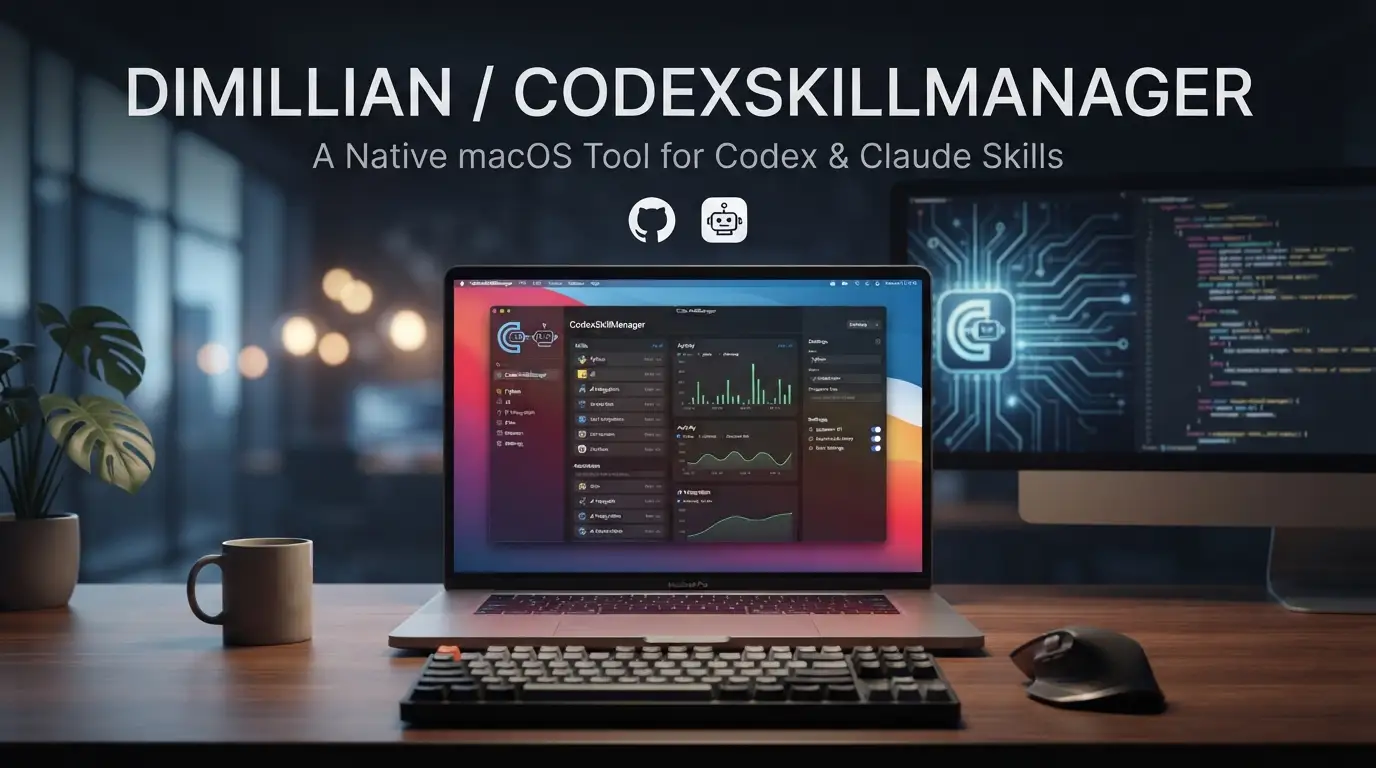
Dimillian/CodexSkillManager: A Native macOS Tool for Codex & Claude Skills
Managing AI coding assistant skills across multiple directories, formats, and sources has become a real friction point for developers who rely on Codex and Claude Code. Skill files—typically SKILL.md documents that teach models context-specific patterns—end up scattered across ~/.codex/skills, ~/.claude/skills, and various download folders. Keeping them organized, versioned, and discoverable usually means manual file management or ad-hoc shell scripts.
Dimillian/CodexSkillManager addresses this directly. It's a native macOS SwiftUI application that provides a unified interface for browsing, rendering, importing, and downloading skills for both OpenAI's Codex and Anthropic's Claude Code. Built with SwiftPM and distributed under the MIT License, it reflects the kind of focused, developer-oriented tooling that emerges from real daily workflow friction rather than speculative feature bloat. This article examines what CodexSkillManager does, how it works, and where it fits in a modern AI-assisted development stack.
What is Dimillian/CodexSkillManager?
Dimillian/CodexSkillManager is a macOS application maintained by Thomas Ricouard (Dimillian), a developer known for open-source Swift and Apple ecosystem projects. The repository has accumulated 1,350 stars and 75 forks, with Swift as its primary language and active development as of January 18, 2026.
The tool sits at the intersection of AI assistant configuration management and native macOS utility development. Unlike web-based or cross-platform alternatives, it's built specifically for macOS 26+ using SwiftUI and Swift 6.2+, leveraging native platform capabilities for file system access, Markdown↗ Smart Converter rendering, and network operations.
What distinguishes CodexSkillManager from generic file managers or text editors is its domain-specific design for skill files. It understands the conventions of both Codex and Claude Code ecosystems—the directory structures, the SKILL.md format, and the remote catalog at Clawdhub. This isn't a general-purpose Markdown browser with plugins bolted on; it's a tool that treats skill management as a first-class problem.
The project's choice of SwiftPM over Xcode project files is notable for developers examining its architecture. It signals a modern, command-line-friendly build process that aligns with continuous integration workflows and reduces merge conflicts in version control. The dependency on swift-markdown-ui for rendering also indicates thoughtful component selection rather than NIH syndrome.
Key Features
CodexSkillManager's feature set reflects direct engagement with how developers actually use AI coding assistants:
Multi-directory skill browsing. The app aggregates skills from three locations: ~/.codex/skills for private Codex skills, ~/.codex/skills/public for shared ones, and ~/.claude/skills for Claude Code configurations. This eliminates the need to remember which assistant stores skills where or to maintain multiple Finder windows.
Rendered SKILL.md with inline previews. Rather than raw Markdown editing, the app renders SKILL.md files with proper formatting and includes inline reference previews. This matters because skill files often contain cross-references, code examples, and structured metadata that benefit from contextual display.
Import and deletion workflows. Skills can be imported from folders or zip archives, with deletion available directly from the sidebar. These operations handle the underlying file system moves and cleanup, reducing the risk of orphaned files or broken references.
Clawdhub integration. The app connects to clawdhub.com for remote skill discovery, with search functionality and visibility into latest drops. Author information displays in the detail view, helping developers evaluate provenance before installing third-party skills.
Dual-installer targeting. When downloading remote skills, users can choose installation into Codex, Claude Code, or both. Visual tags indicate installed status and version information, providing at-a-glance state awareness that prevents duplicate or conflicting installations.
Use Cases
Cross-assistant skill synchronization. Teams or individual developers who switch between Codex and Claude Code—or who standardize on one but need to evaluate the other—can maintain a single source of truth for skill files. The dual-installer feature means a skill discovered on Clawdhub doesn't require manual copying between ~/.codex/skills and ~/.claude/skills.
Skill catalog curation. Developers accumulating custom skills over time often struggle with discoverability. The unified browser, combined with rendered previews and version tags, turns an opaque directory structure into a browsable, searchable catalog. This is particularly relevant for teams sharing skills via version control or internal repositories.
Third-party skill vetting. Before installing a Clawdhub skill, the detail view shows author information and rendered content. This supports security-conscious workflows where developers review what a skill actually teaches models before granting it file system access or incorporating it into production code generation.
Offline skill development. The import-from-folder workflow supports iterative skill authoring: write and test a SKILL.md locally, import it into CodexSkillManager for rendering verification, then distribute via Clawdhub or team channels once validated.
Migration and cleanup. When switching machines or reorganizing dotfiles, the deletion and re-import capabilities provide a cleaner interface than raw rm and cp operations, with visual confirmation of what's installed where.
Installation & Setup
CodexSkillManager requires macOS 26+ and Swift 6.2+. The build process uses SwiftPM exclusively—no Xcode project file is provided.
Build from source
# Clone the repository
git clone https://github.com/Dimillian/CodexSkillManager.git
cd CodexSkillManager

# Build the application
swift build

# Run directly
swift run CodexSkillManager
The swift build command compiles dependencies including swift-markdown-ui and produces the executable. swift run CodexSkillManager builds if necessary and launches the app. For development iteration, this avoids the Xcode launch overhead.
Package as local application
# Use the provided packaging script
./Scripts/compile_and_run.sh
This script produces a runnable macOS application bundle suitable for placing in /Applications or a local ~/Applications directory. The exact output location and signing behavior depend on your local toolchain configuration; review the script contents if distributing the resulting app to other machines, as ad-hoc signing may trigger Gatekeeper warnings on macOS.
First-run considerations
On first launch, CodexSkillManager reads existing skills from the standard directories. If you've never used Codex or Claude Code, these directories may not exist—the app should handle this gracefully, but skill creation will require manual directory setup or installation from Clawdhub to populate them.
Real Code Examples
The README provides two primary command patterns. These are reproduced exactly with explanatory context.
Development build and run
swift build
swift run CodexSkillManager
This is the core development workflow. swift build resolves Swift Package Manager dependencies (notably swift-markdown-ui) and compiles the SwiftUI interface, file system watchers, and network stack for Clawdhub integration. swift run CodexSkillManager executes the resulting binary with standard output connected to your terminal—useful for observing any logging or debugging output during development.
The absence of an Xcode project means this workflow is fully reproducible on any macOS system with Swift 6.2+ installed, including CI environments or fresh machine setups without full Xcode installation (assuming Command Line Tools are present).
Application packaging
./Scripts/compile_and_run.sh
This shell script encapsulates the steps needed to produce a .app bundle rather than a raw executable. For developers distributing internal builds or who prefer launching from Launchpad/Dock over Terminal, this is the relevant path. The script name suggests it may both compile and immediately run the packaged result; verify behavior with cat ./Scripts/compile_and_run.sh if you need separation between build and launch stages.
The README does not currently provide additional code examples for skill file formats, Clawdhub API usage, or configuration schemas. This reflects the application's focus on graphical interaction over programmatic configuration—developers seeking to automate skill management may need to supplement CodexSkillManager with shell scripts or other tools for CI/CD pipelines.
Advanced Usage & Best Practices
Based on the documented architecture, several practices emerge for effective use:
Version control your skill directories. CodexSkillManager reads from standard locations but doesn't enforce synchronization. Consider initializing Git repositories in ~/.codex/skills and ~/.claude/skills to track changes, with CodexSkillManager serving as the browsing and rendering layer.
Validate Clawdhub skills before dual-installation. The visual tags show installed status, but review the rendered SKILL.md and author details before installing to both Codex and Claude Code. Skills may contain assistant-specific directives that behave differently across platforms.
Use import for batch migration. When consolidating skills from multiple machines or team members, the folder/zip import path is more reliable than manual file copying, as it triggers any internal indexing or validation the app performs.
Monitor Swift version compatibility. The Swift 6.2+ requirement is strict. If your development environment lags behind (e.g., stable Xcode releases), verify toolchain availability before attempting to build from source. The project follows modern Swift concurrency patterns given its Swift 6.2 baseline.
Comparison with Alternatives
| Tool | Approach | Platform | Key Difference |
|---|---|---|---|
| CodexSkillManager | Native macOS app, GUI-focused | macOS 26+ | Unified Codex/Claude browsing, Clawdhub integration, native Markdown rendering |
| Manual file management | Finder/Terminal, no abstraction | Any | Zero dependencies, but no rendering, search, or remote discovery |
| VS Code extensions | Editor-integrated, webview-based | Cross-platform | Tighter editor integration, but typically single-assistant focus, heavier resource usage |
| Clawdhub web interface | Browser-based catalog | Any | Direct remote browsing, but no local skill management or cross-assistant installation |
CodexSkillManager's value proposition is strongest for macOS-native developers who work with both Codex and Claude Code and prefer dedicated applications over editor plugins or browser tabs. The trade-off is platform lock-in: there's no Windows or Linux path, and the Swift 6.2/macOS 26 requirements exclude older hardware.
For developers exclusively using one assistant or working primarily in VS Code, editor-integrated alternatives may reduce context switching. For those on non-Apple platforms, manual management or web interfaces remain the practical options.
FAQ
Does CodexSkillManager work on Windows or Linux?
No—it's built with SwiftUI for macOS 26+ only.
Do I need Xcode installed?
No Xcode project is provided; Swift 6.2+ command line tools suffice for swift build.
Is the app signed for distribution?
The README doesn't specify code signing; expect Gatekeeper prompts for locally built binaries.
Can I use this with Claude Code without Codex?
Yes—Claude Code skills are a first-class target, not an afterthought.
What license governs use and modification?
MIT License, permitting commercial and private use with attribution.
Does it modify my existing skill files?
The README documents rendering and file operations; backup version-controlled skills before bulk operations.
How current is the project?
Last commit January 18, 2026, with 1,350 stars indicating active community interest.
Conclusion
Dimillian/CodexSkillManager solves a specific, real problem: the fragmentation of AI assistant skill management across directories, formats, and platforms. For macOS developers working with both Codex and Claude Code, it replaces scattered file operations with a unified, render-aware interface and legitimate remote discovery through Clawdhub.
The 1,350-star adoption and active maintenance suggest it resonates with developers experiencing this friction directly. It's not a universal solution—platform requirements exclude non-macOS users, and the GUI-first design doesn't suit headless automation—but within its scope, it's a credible, well-architected tool.
If you're managing more than a handful of skills across multiple AI assistants, or if you've found yourself grepping through ~/.codex/skills wondering what's actually installed, CodexSkillManager warrants evaluation. The MIT License permits risk-free exploration, and the SwiftPM build process means you can inspect and modify the source if your workflow demands customization.
Get started: https://github.com/Dimillian/CodexSkillManager